5. The 3D view
5.1 House, floor, room
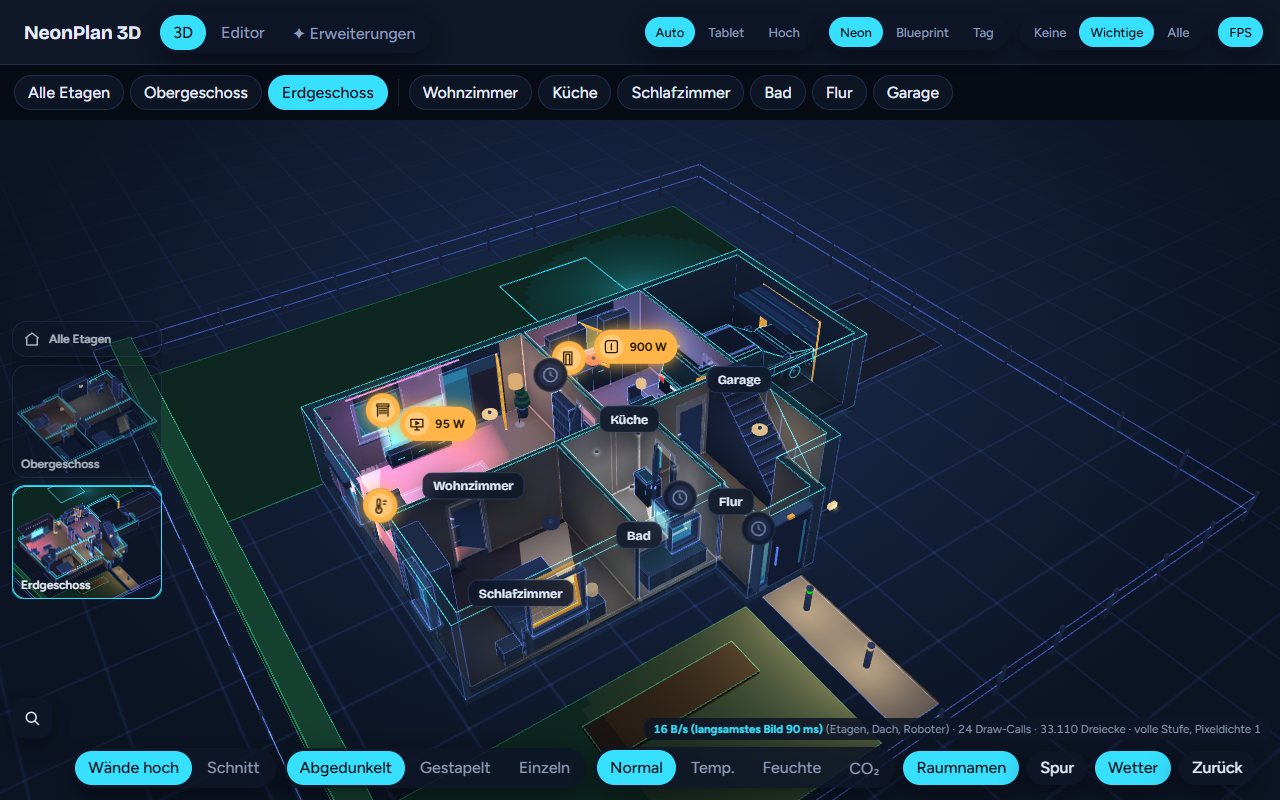
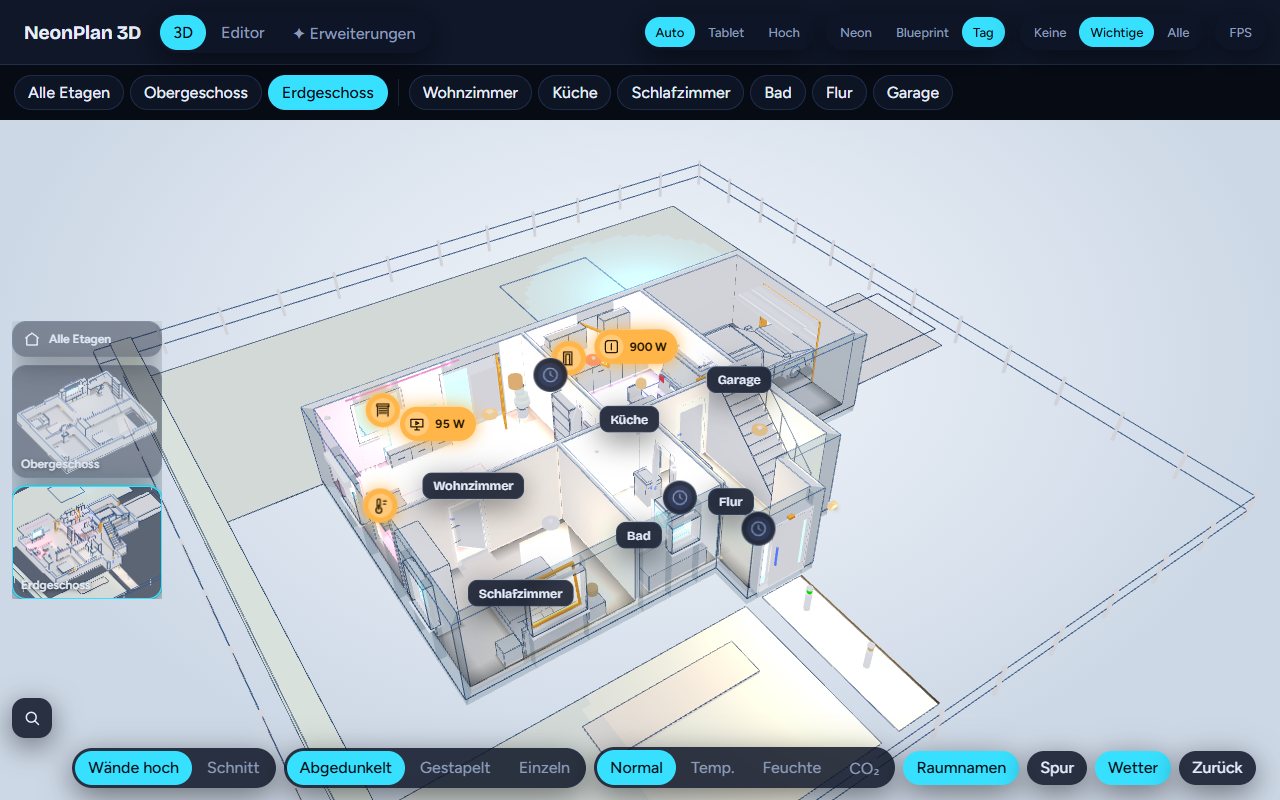
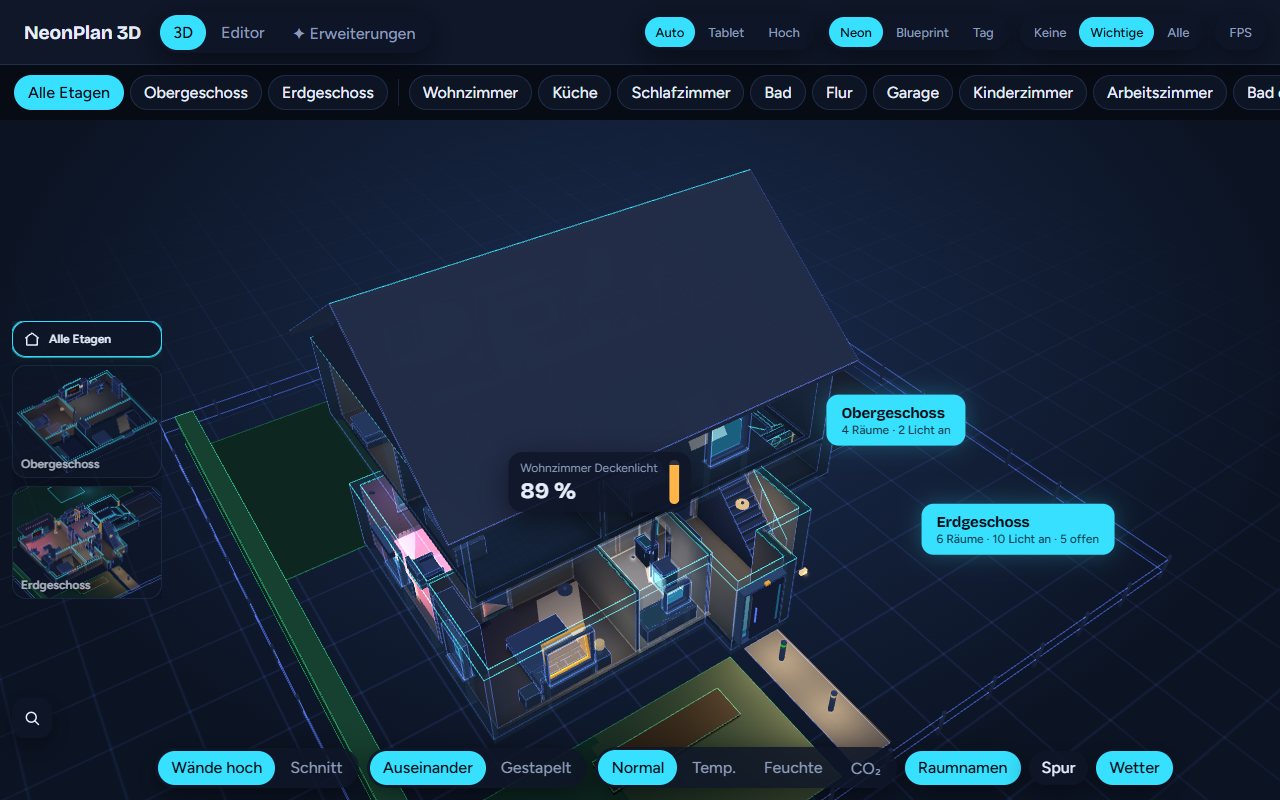
The 3D view has three levels:
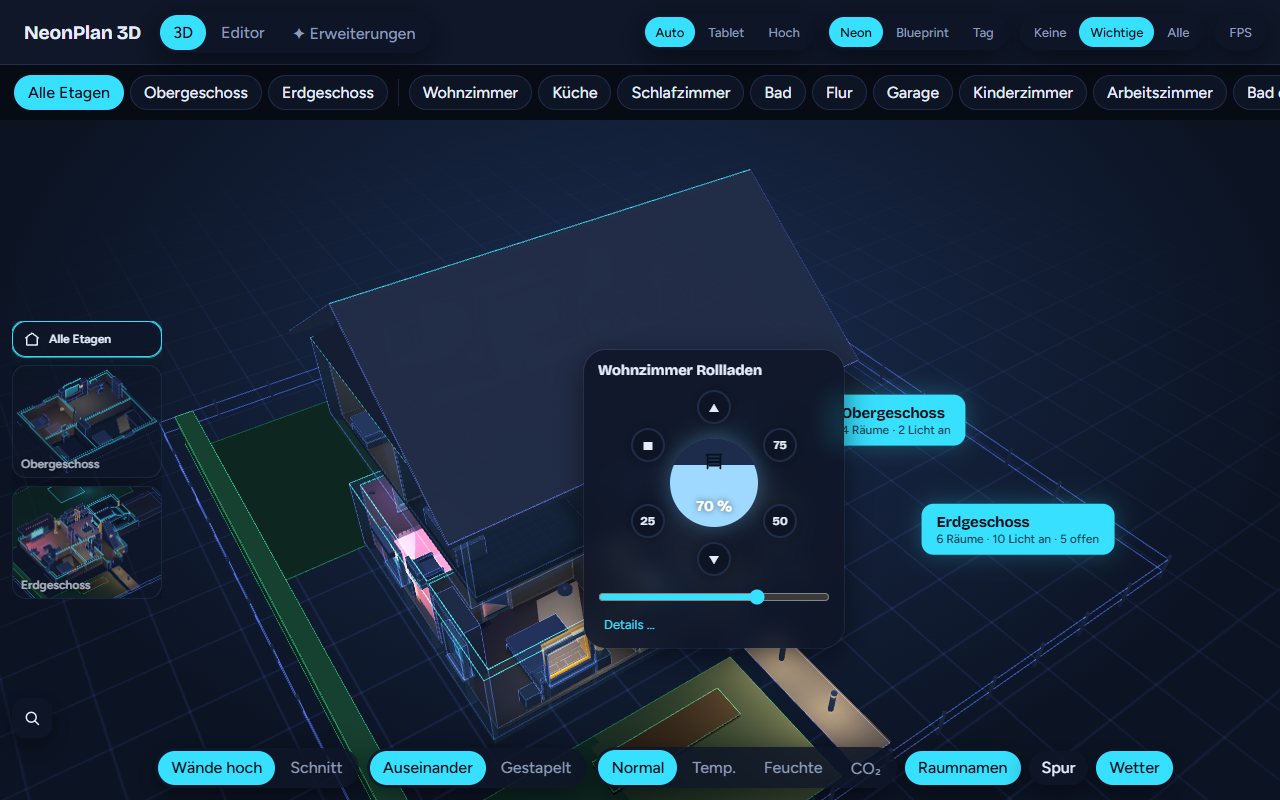
- The whole house with a label per floor: rooms, lights on, open windows.
- One floor: The floors above fly away, the ones below stay dimmed, stacked or hidden, as you choose.
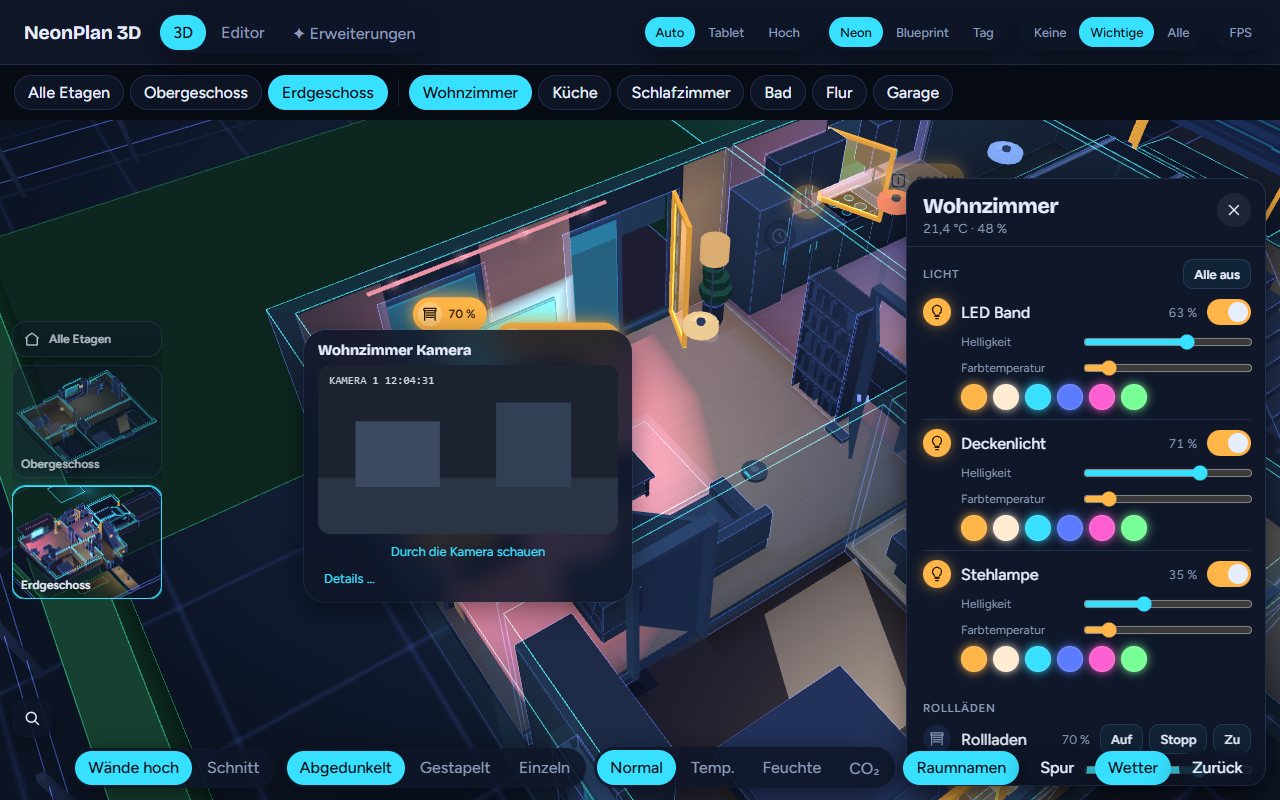
- One room: The camera flies in, the room panel opens.
Navigating:
- Tap a floor label or a room to go one level down.
- Double tap an empty spot, Esc or Back go one level up.
- Drag to turn the view, two fingers or the mouse wheel zoom.
- The floor pictures on the left jump straight to a floor.
- Buttons at the top list all floors and the rooms of the open floor.
5.2 The switches at the bottom
| Switch | Effect |
|---|---|
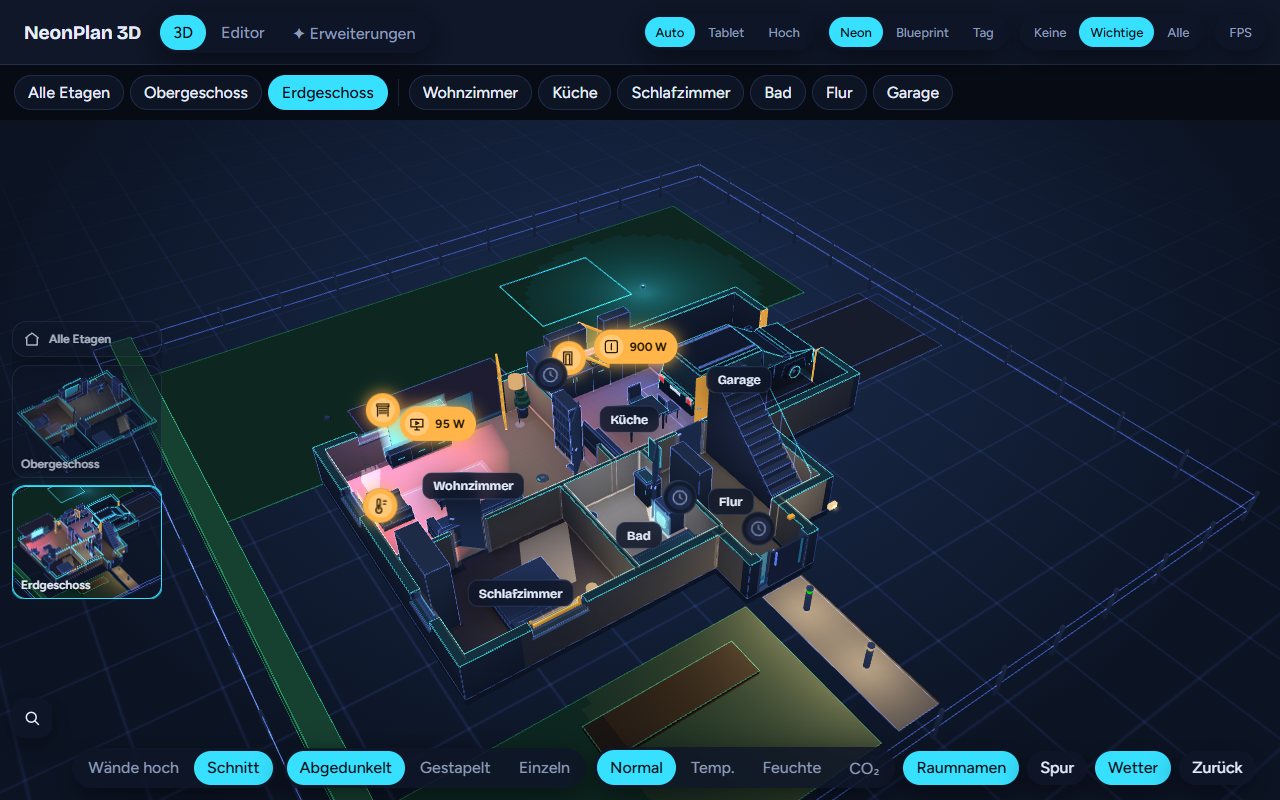
| Tall walls / Cut | Walls at full height, the front ones as tinted glass, or all walls cut at hip height |
| Apart / Stacked | In the house view: floors pulled apart or on top of each other |
| Dimmed / Stacked / Alone | With an open floor: what happens to the floors below |
| Normal / Temp. / Humidity / CO₂ | Heatmap: floors coloured by the room's value |
| Room names | Show or hide the room names |
| Trail | Motion trail, Pro, see 6.1 |
| Weather | Weather outside, Pro, see 6.2 |
At the top right:
| Switch | Effect |
|---|---|
| Auto / Tablet / High | Quality level. Tablet leaves out patterns, shadows and halos and is chosen automatically on Fire tablets. High adds light cones under spots |
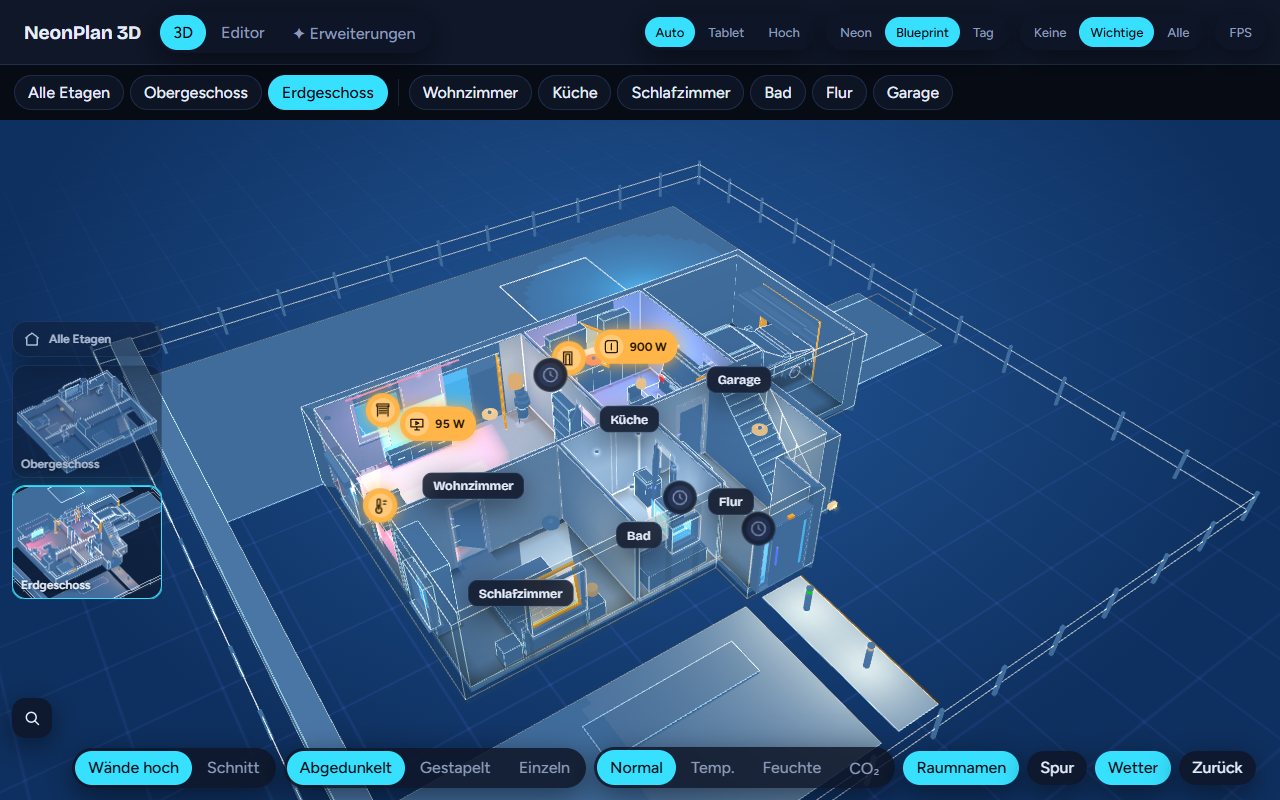
| Neon / Blueprint / Day | The look |
| None / Important / All | Which device markers appear. Important shows only devices without their own 3D model and values such as watts or the running app |
| FPS | Frame rate, slowest frame and the reason for every drawn frame. At rest it reads 0 fps |
Each device remembers these switches.
5.3 Controlling
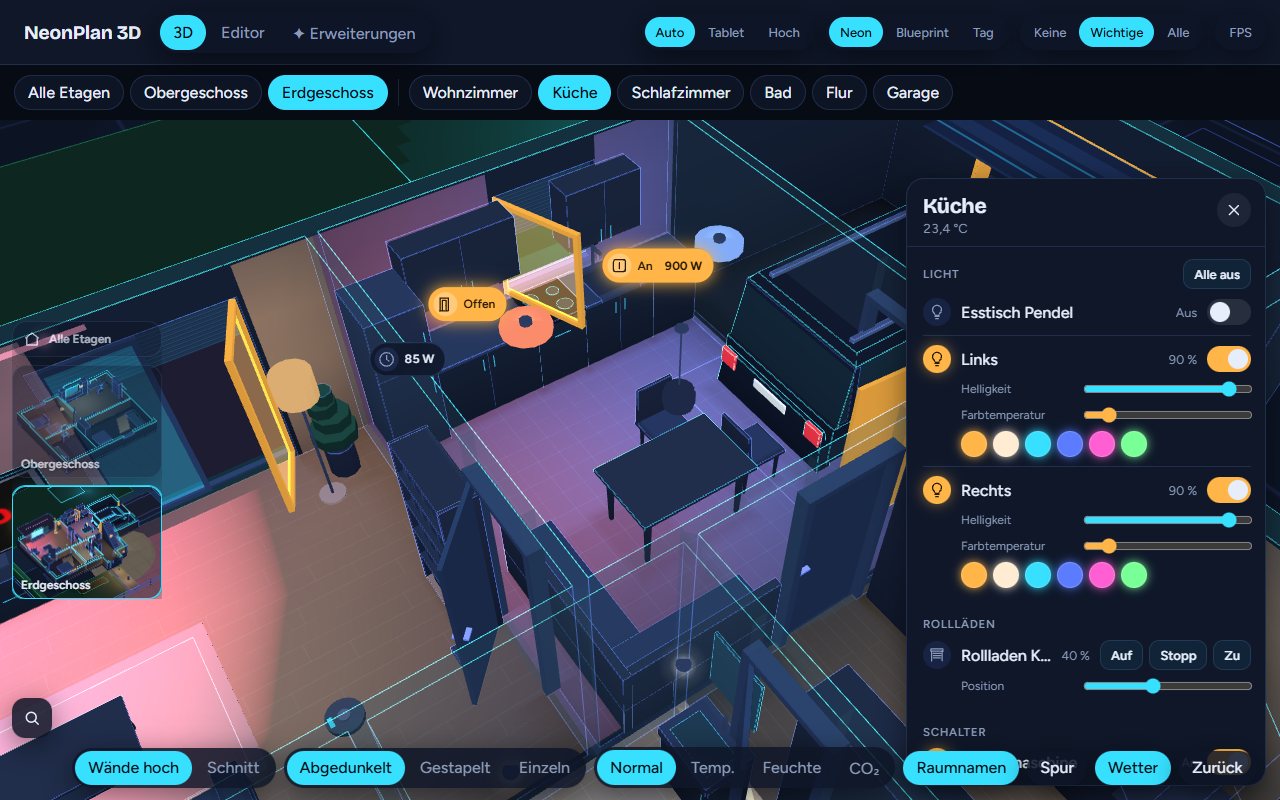
- Tap switches lamps and switches. The lamp flashes briefly to confirm.
- Swipe up or down on a lamp dims it; on a blind or window it moves the blind. The value appears at your finger. Devices and windows with "Ask before switching" do not react to a swipe.
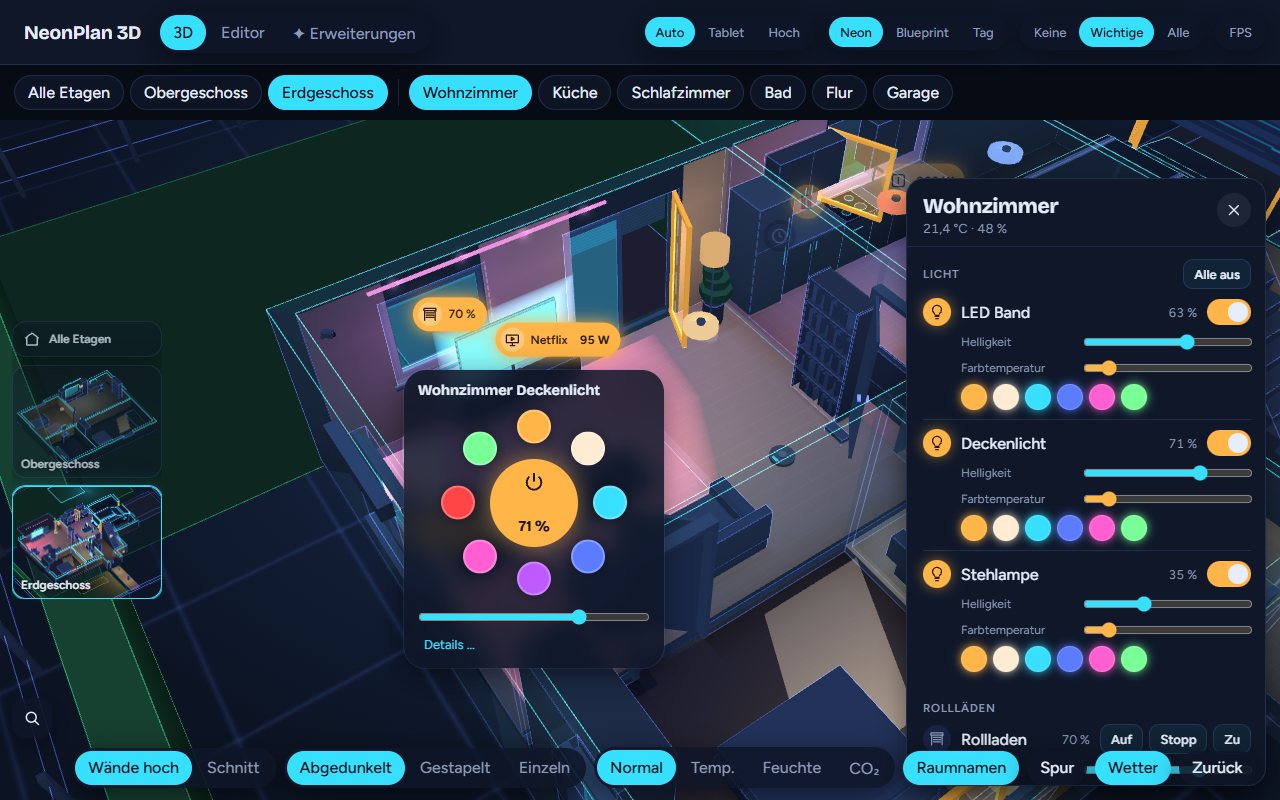
- Long press opens the quick menu: brightness, colour temperature and colours for lights; up, stop, down and fixed positions for blinds.
- Tap a window – frame, glass or blind – to open the blind menu or show the contact.
- Double tap a room switches all its lights on or off. Devices with "Ask before switching" stay out.
- TVs, doors and garage doors can be tapped directly as well.
5.4 The room panel
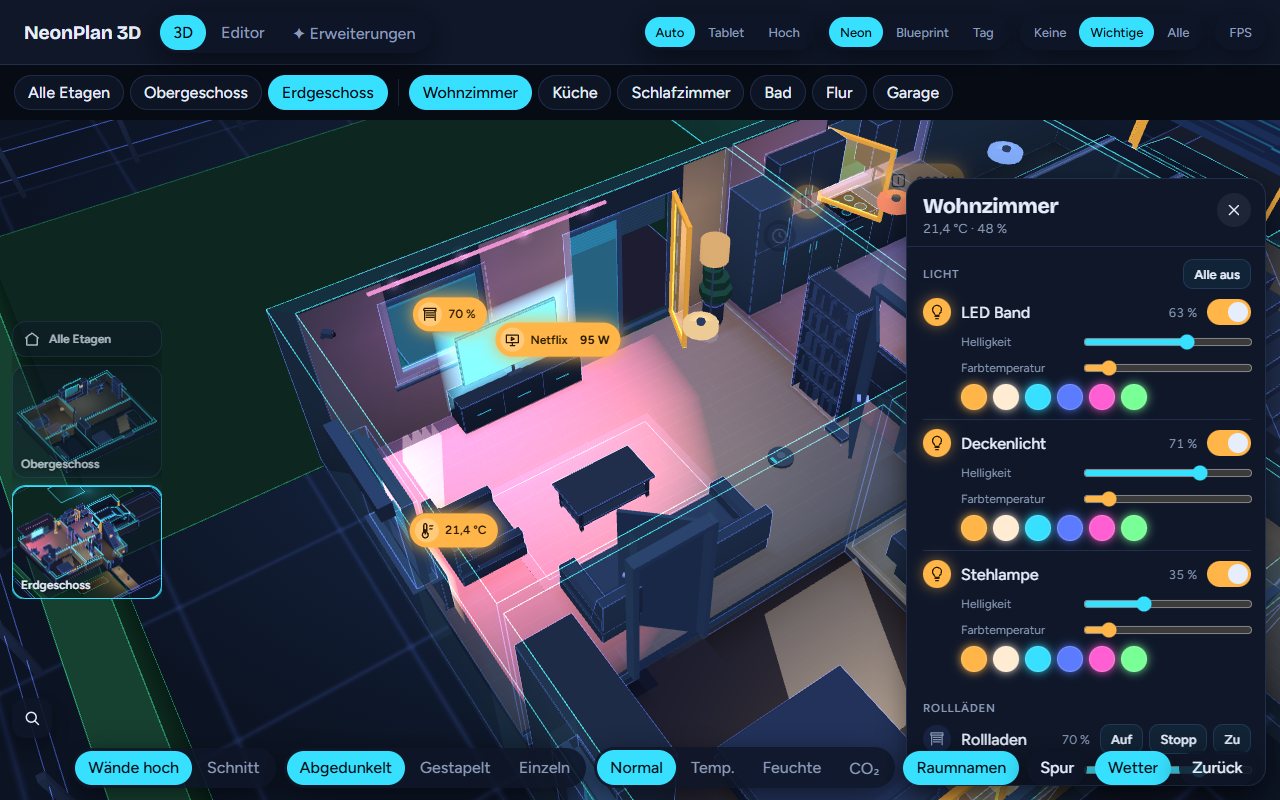
In a room the room panel opens on the right, at the bottom on phones and portrait tablets. It shows the room's devices by kind: lights with brightness, colour temperature and colours, All off, covers, heating, media, switches, cameras with snapshot, sensors, and scenes & scripts.
It shows the devices placed in the room and everything you added with ☆ in the editor. More devices of the area shows the rest.
With a selected room and no open room panel, the area's scenes and scripts appear as buttons at the bottom.
5.5 Search
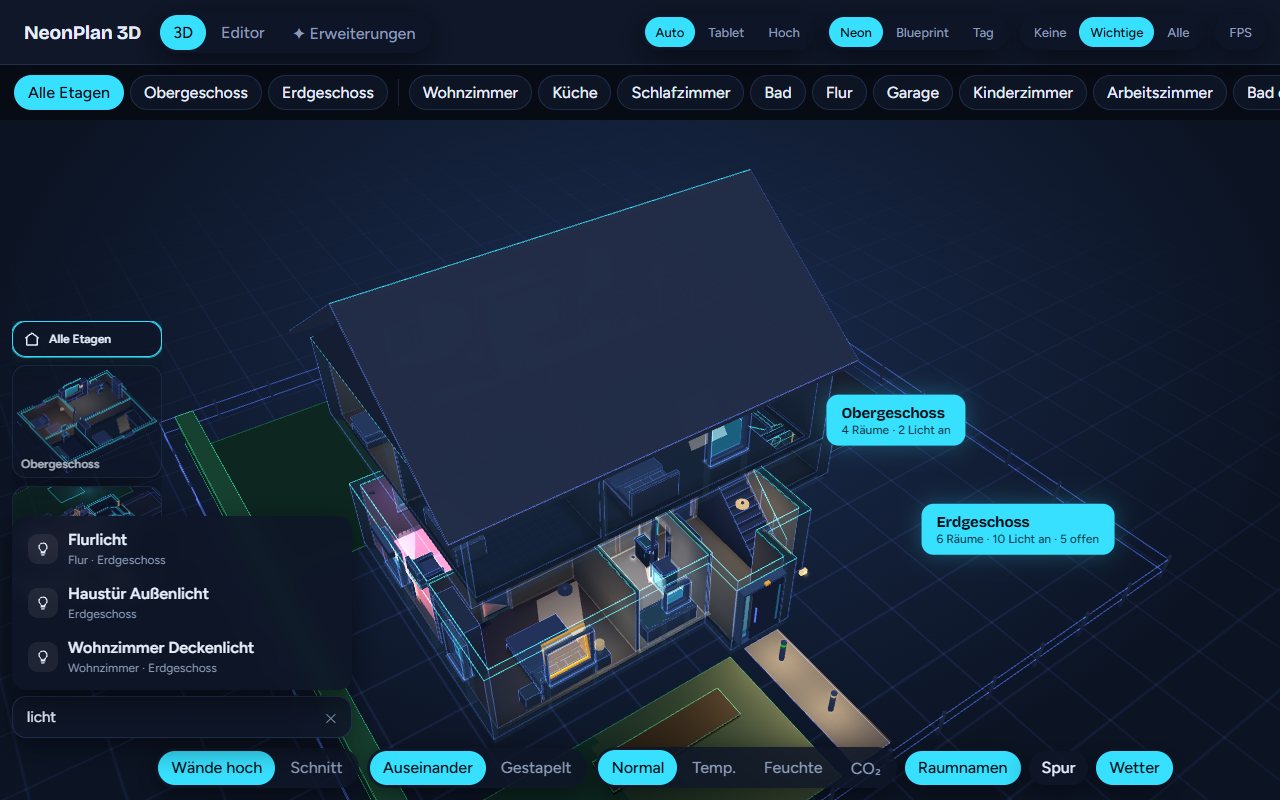
The magnifier at the bottom left opens "Where is …?". Type a device or room name. A hit flies the camera there and the device flashes.
5.6 Heatmap
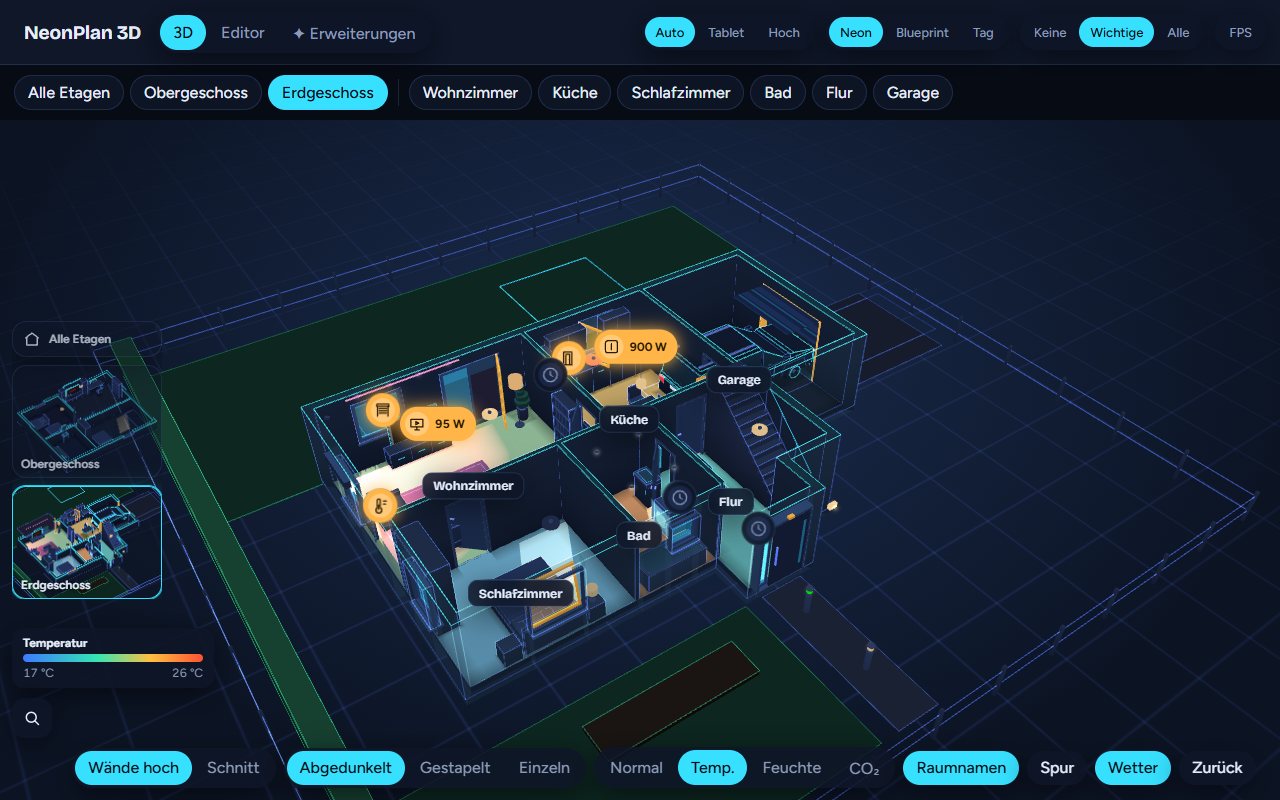
Temp., Humidity and CO₂ colour the floors by the area's sensors, with a colour scale at the edge. Temperatures appear in the unit set in Home Assistant (°C or °F); sensors in °F are converted correctly.
5.7 Sun and daylight
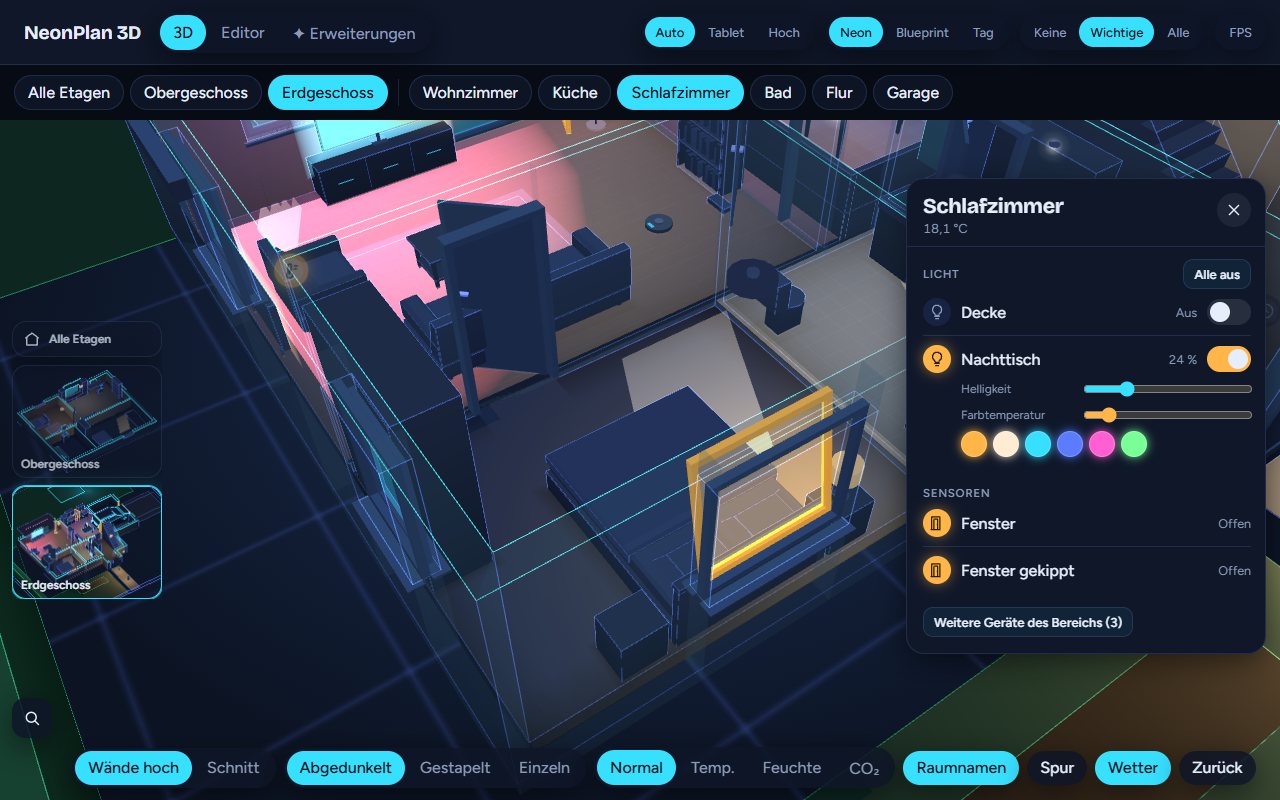
With north set, sunlight from sun.sun falls through the windows facing the sun as soft patches on the floor. Lowered blinds make the patches smaller. By day the sky behind the house gets lighter.
5.8 Warnings
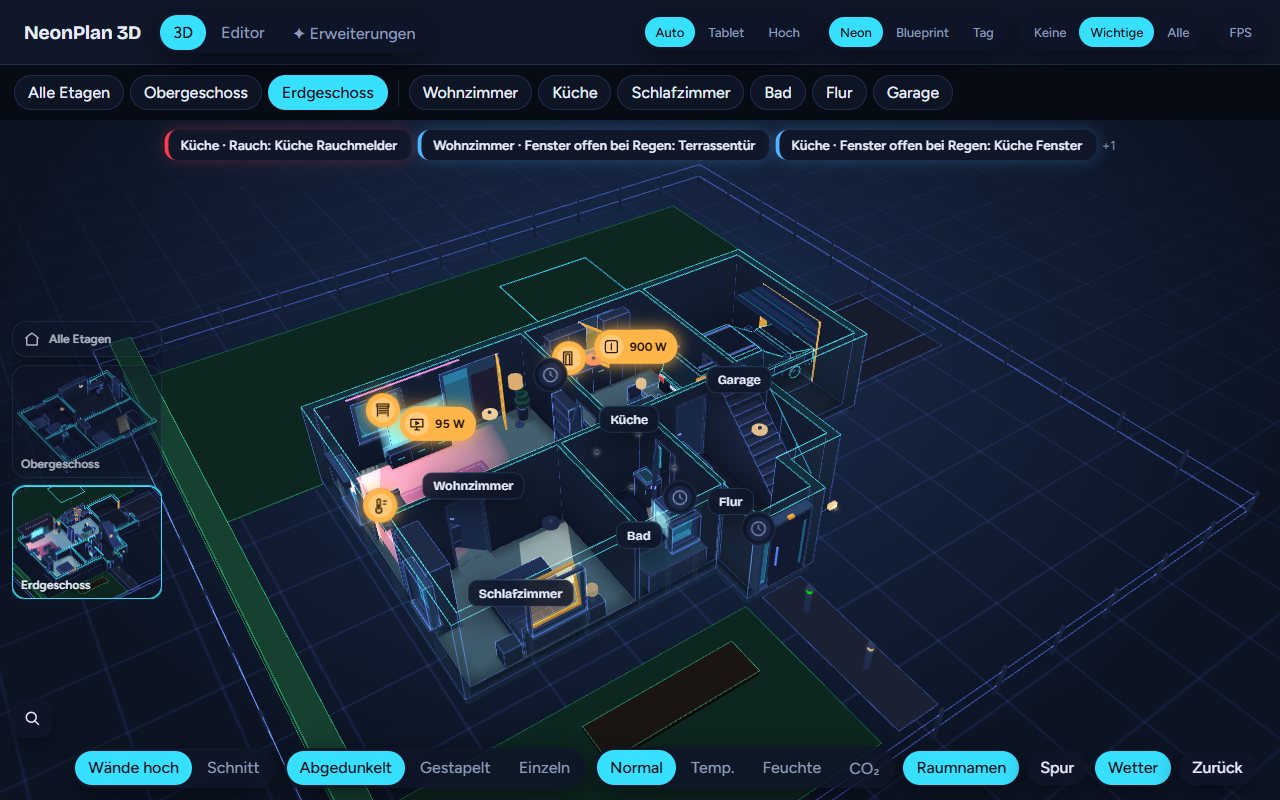
NeonPlan 3D warns for free and without setup:
| Warning | Trigger |
|---|---|
| Smoke, gas, carbon monoxide, water | A binary_sensor of that device class in the area reports on |
| Alarm | An alarm_control_panel is triggered or about to trigger |
| Window open in the rain | A window is open or tilted while the weather entity reports rain, lightning rain, hail or sleet |
The room pulses red and a banner appears at the top. A tap on the warning jumps into the room. The rain warning uses the weather entity from the plan settings and can be switched off there on its own under Warning: window open while it rains.
5.9 Cameras in 3D
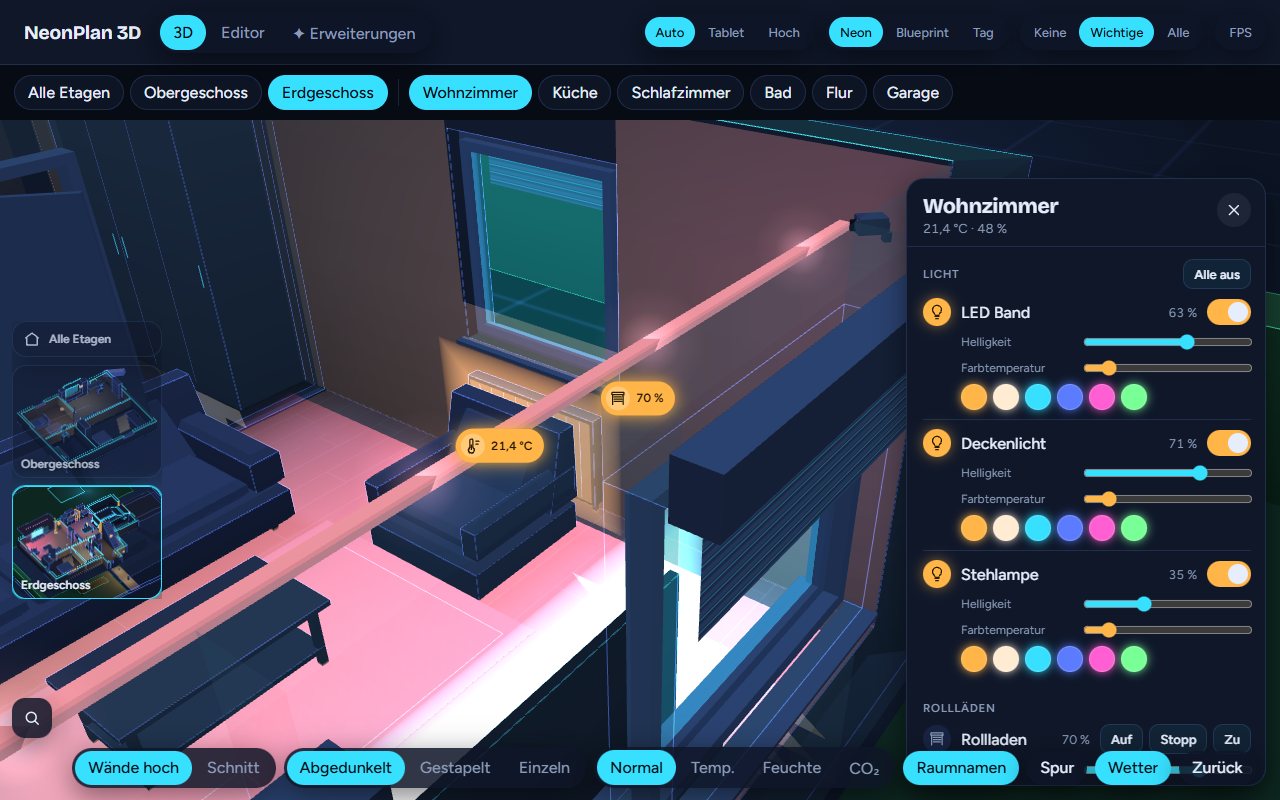
A tap on the camera or on its wedge opens the snapshot, which refreshes every few seconds. A tap on the picture opens the Home Assistant live view. The wedge is a much bigger target than the small camera.