Deutsch · English
// CHAPTER 8 / 12
8. The dashboard card
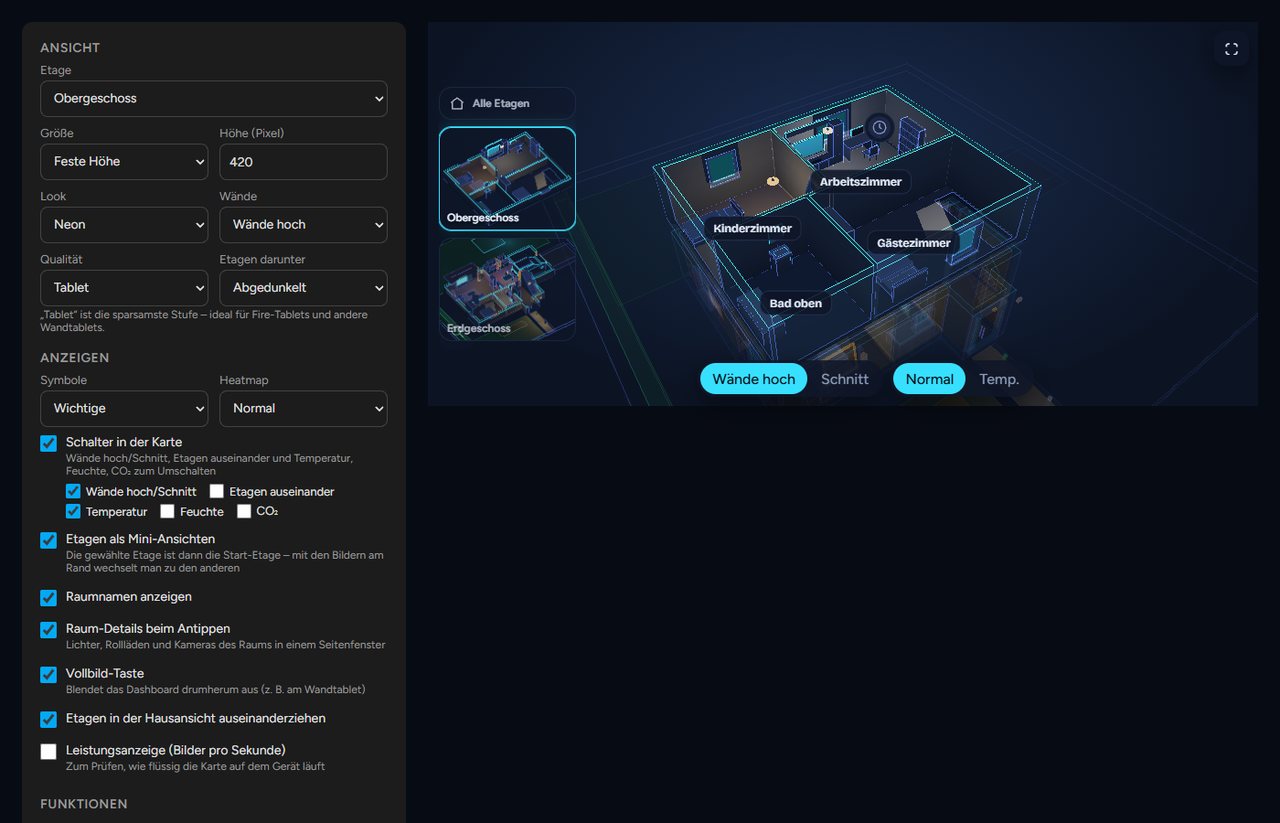
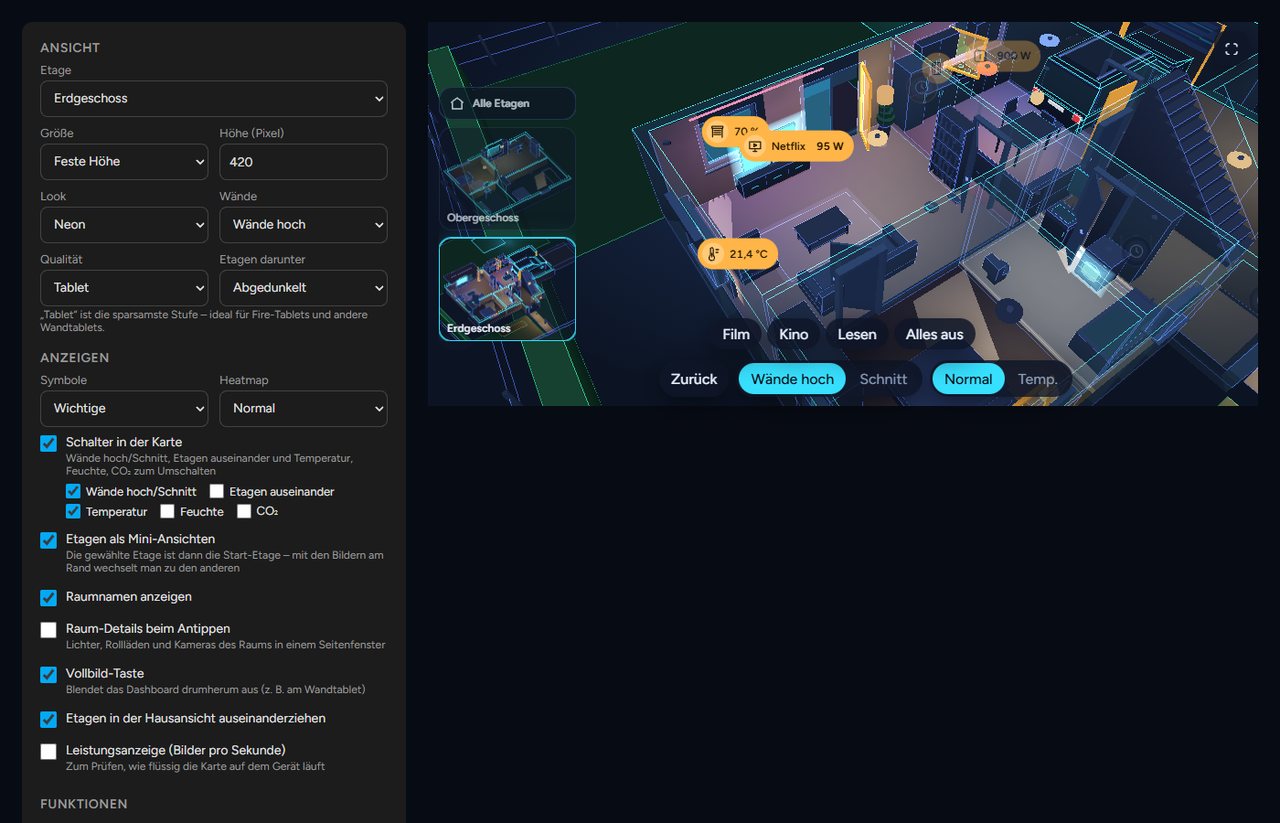
The card custom:neonplan3d-card brings the 3D view into any dashboard. It loads automatically.
Adding it: Edit the dashboard, Add card, search for "NeonPlan". Set every option in the card's visual editor:
| Section | Options |
|---|---|
| View | One floor or the whole house, fixed size or full screen, height, look, walls, quality, floors below |
| Show | Markers, heatmap, switches in the card, floor pictures, room names, room panel, full-screen button, floors apart, performance display |
| Features | Warnings, jump to a warning, scene buttons, motion trail, weather with weather entity |
| Wall tablet (kiosk) | Back to the start view, night dimming, camera turn as screensaver |
In YAML a card looks like this. Every line except the first is optional:
type: custom:neonplan3d-card
floor: floor_ab12cd34   # show one floor (id from the editor)
height: 420             # height in pixels
fill: false             # fill the screen below the header
walls: auto             # auto | cut
explode: true           # pull floors apart in the house view
floor_stack: dim        # floors below: dim | stacked | single
quality: auto           # auto | low | high
theme: neon             # neon | blueprint | day
markers: important      # none | important | all
heatmap: none           # none | temperature | humidity | co2
room_panel: true        # tapping a room opens the room panel
room_names: true
controls: true          # switches in the card, or a list: walls, floors, temperature, humidity, co2
floor_thumbs: true
fullscreen_button: false
stats: false
alerts: true
alert_jump: false       # jump into the room of a new warning
scenes: true
motion_trail: false     # Pro: camera cockpit
weather: true           # Pro: weather outside
weather_entity: weather.home
idle_return: 0          # seconds without a touch until the start view
night: "off"            # off | sun | "22:00-06:00"
idle_orbit: false