Deutsch · English
// CHAPTER 9 / 12
9. NeonPlan 3D on a wall tablet
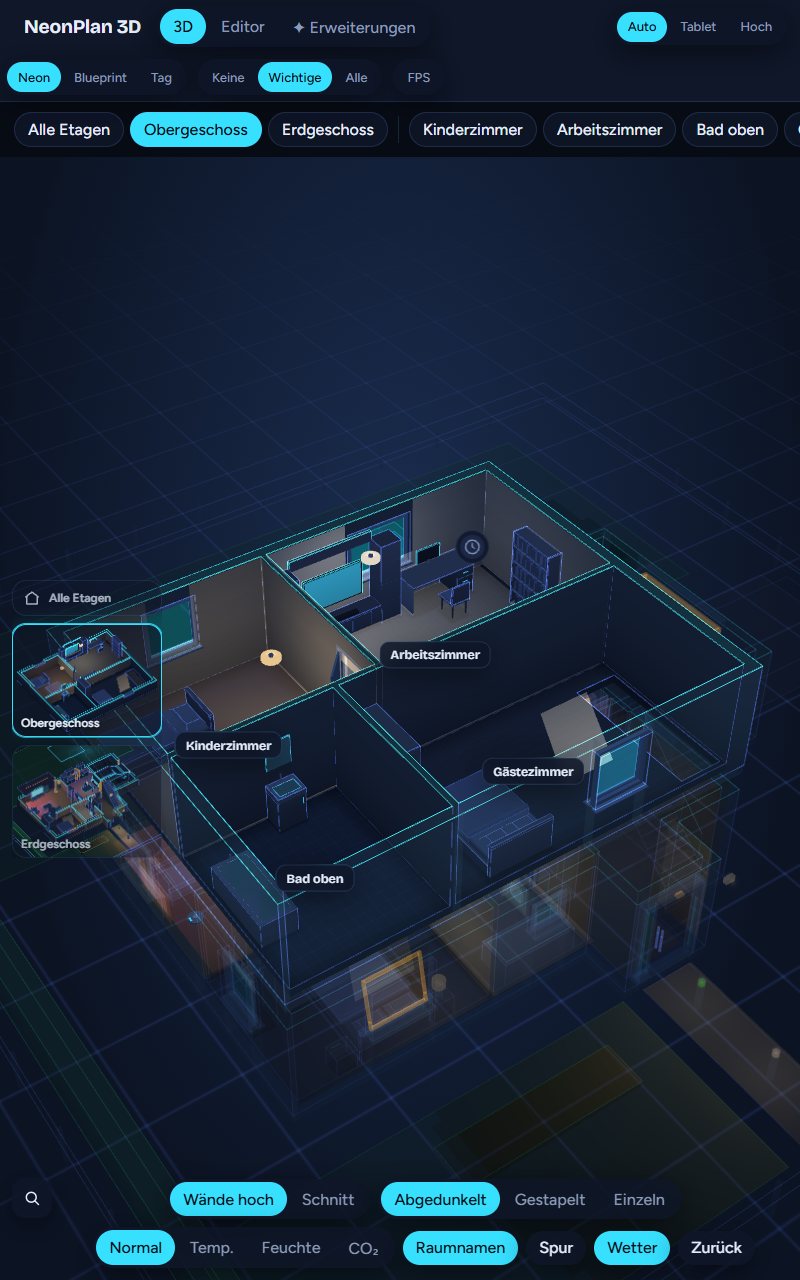
NeonPlan 3D is built for wall tablets such as the Amazon Fire:
- No work while idle. If nothing changes, the view draws not a single frame. The FPS display then reads "At rest (0 fps)".
- Tablet quality level: "Auto" picks it by itself on Fire tablets, and on any device that turns the view at under 20 frames a second – the browser remembers that. Patterns, shadows, halos and particles are left out. Moving decorations (energy flow, solar fields, sound rings, pool water, robot vacuums, colour effects, pets) run at about 5 frames a second and stand still 30 seconds after the last touch; a tap, or something new that starts to move, wakes them. Measured values alone (watts, temperature) show at most every 2 seconds, switches, doors and alarms at once.
- Kiosk options of the card: After a few minutes without a touch the card returns to the start view. At night it dims by the sun or by the clock. As a screensaver the house turns slowly.
- Warnings can jump into the affected room by themselves.
- In portrait the room panel appears at the bottom.
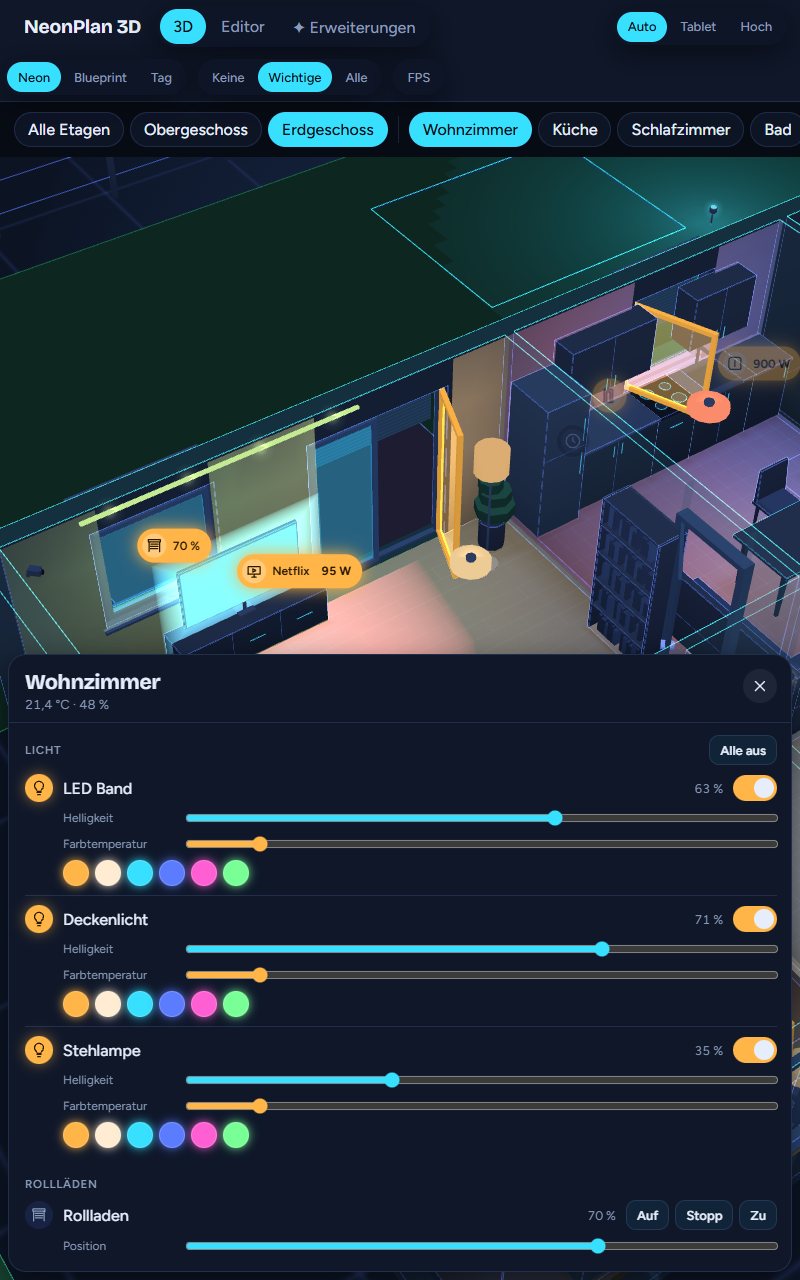
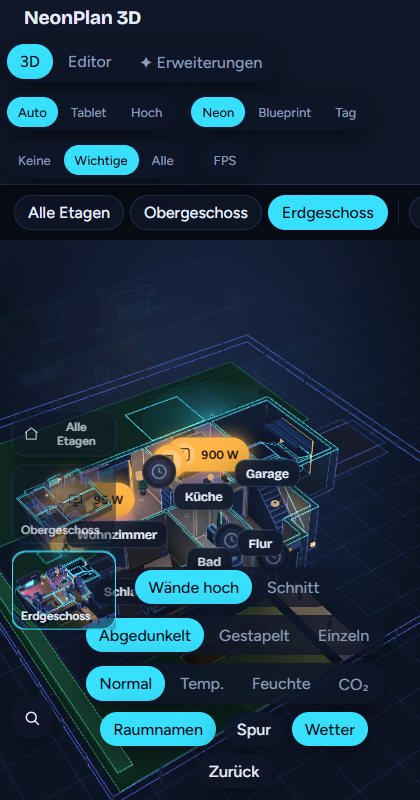
Tips for Fire tablets: Use Fully Kiosk Browser with hardware acceleration, show the card full screen with fill: true and keep quality: auto.
Voice control: on the wall tablet you talk to NeonPlan with a microphone button, e.g. "Show the living room". Everything about it is in 5.10 Voice control.