Deutsch · English
// CHAPTER 10 / 12
10. Backup and moving
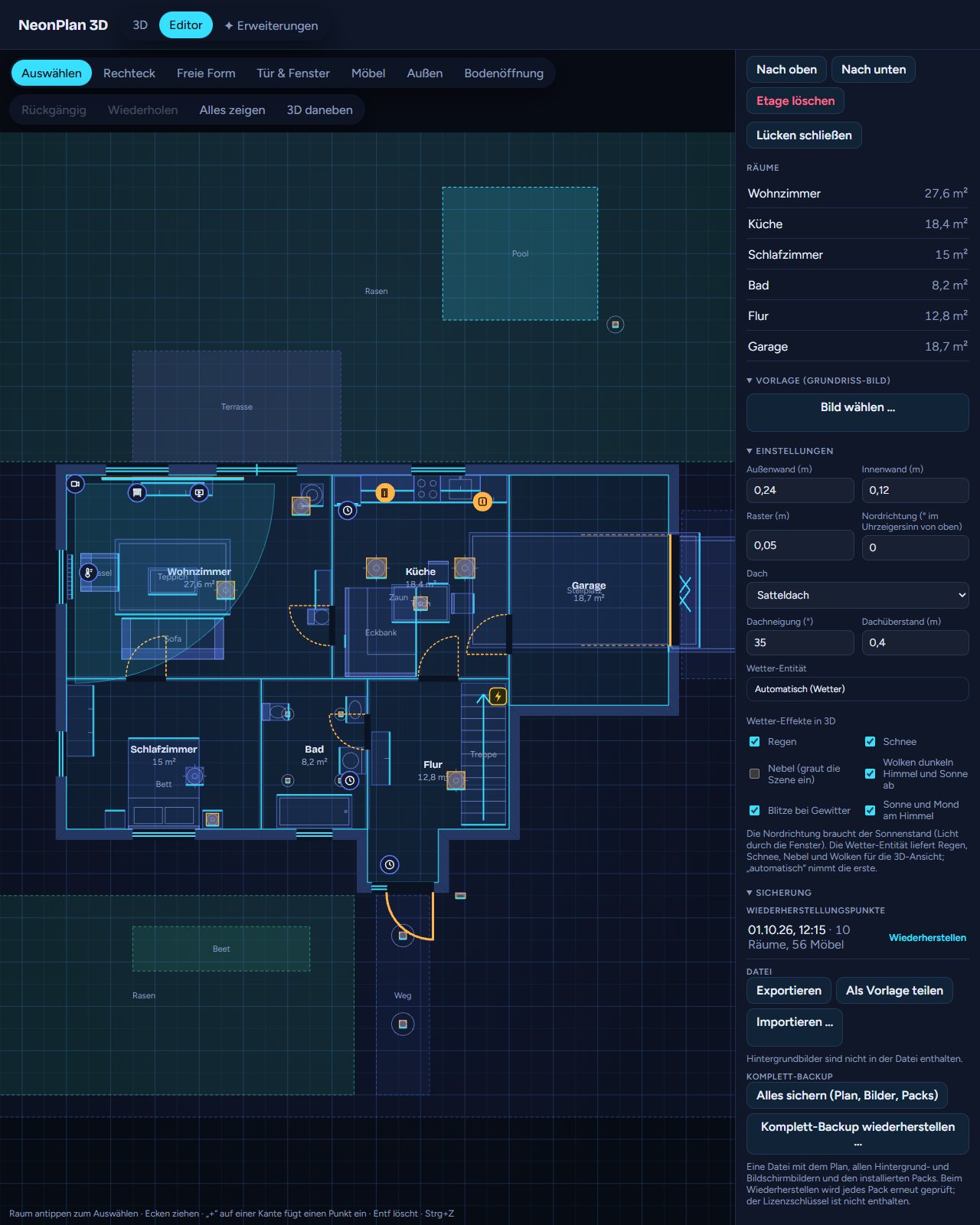
Under Backup in the editor:
- Restore points are kept at most every 10 minutes while you edit, the last 20 stay. Restore brings back a state, the current one is kept as a restore point itself.
- Export saves the plan as a file, Import … loads such a file.
- Share as template exports without areas, devices, sensors and pictures. Good for passing a floor plan on.
- Full backup: Back up everything (plan, pictures, packs) saves one file with the plan, every background and screen picture and the installed packs. Restore a full backup … brings it back into the same or another installation. Every pack is checked again. Packs signed for another installation are fetched there again through the shop connection. The licence key is not in the file.
Home Assistant's own backup includes NeonPlan 3D completely as well.