Beschreibung
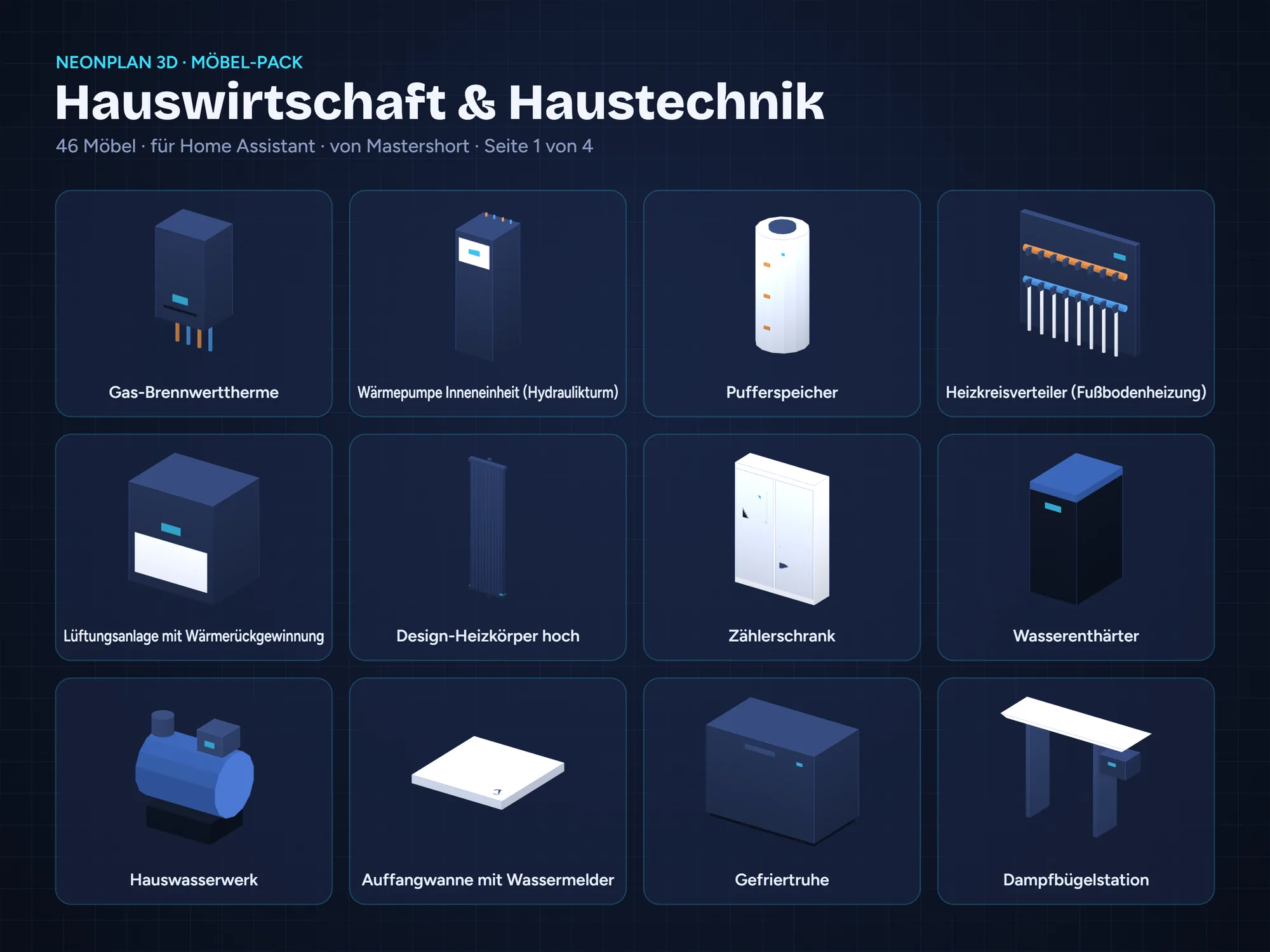
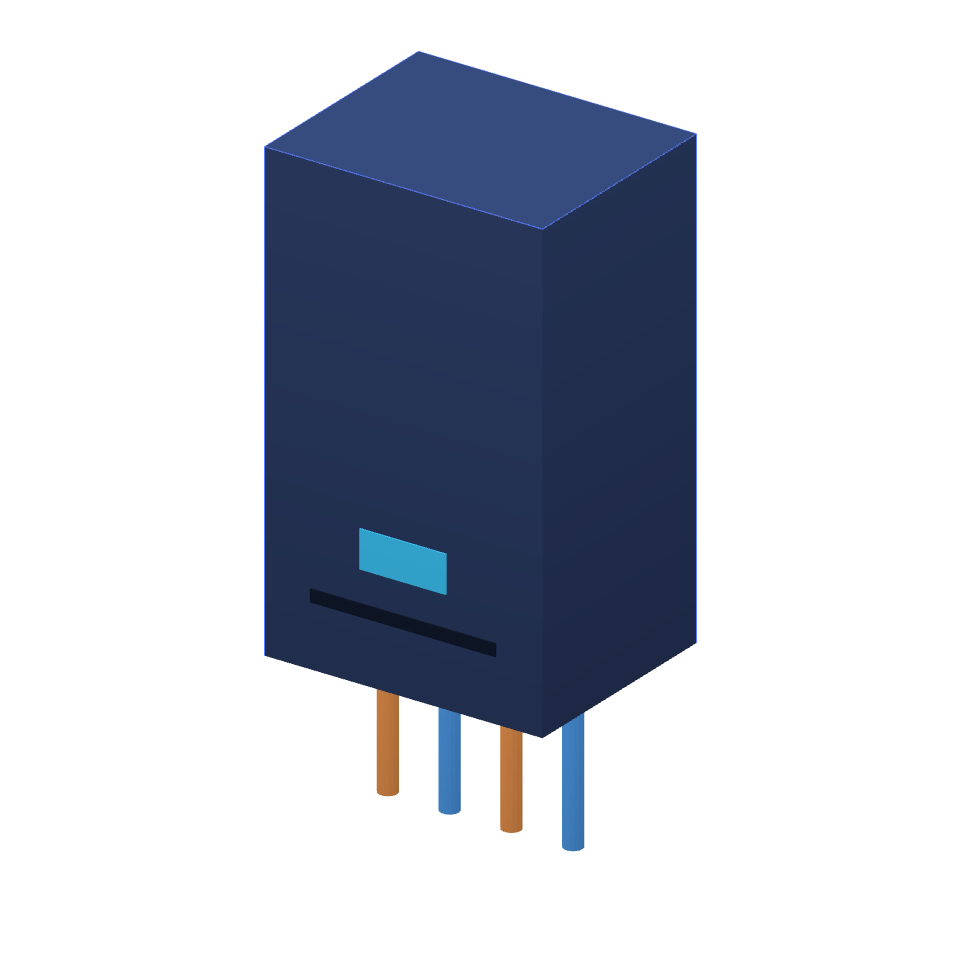
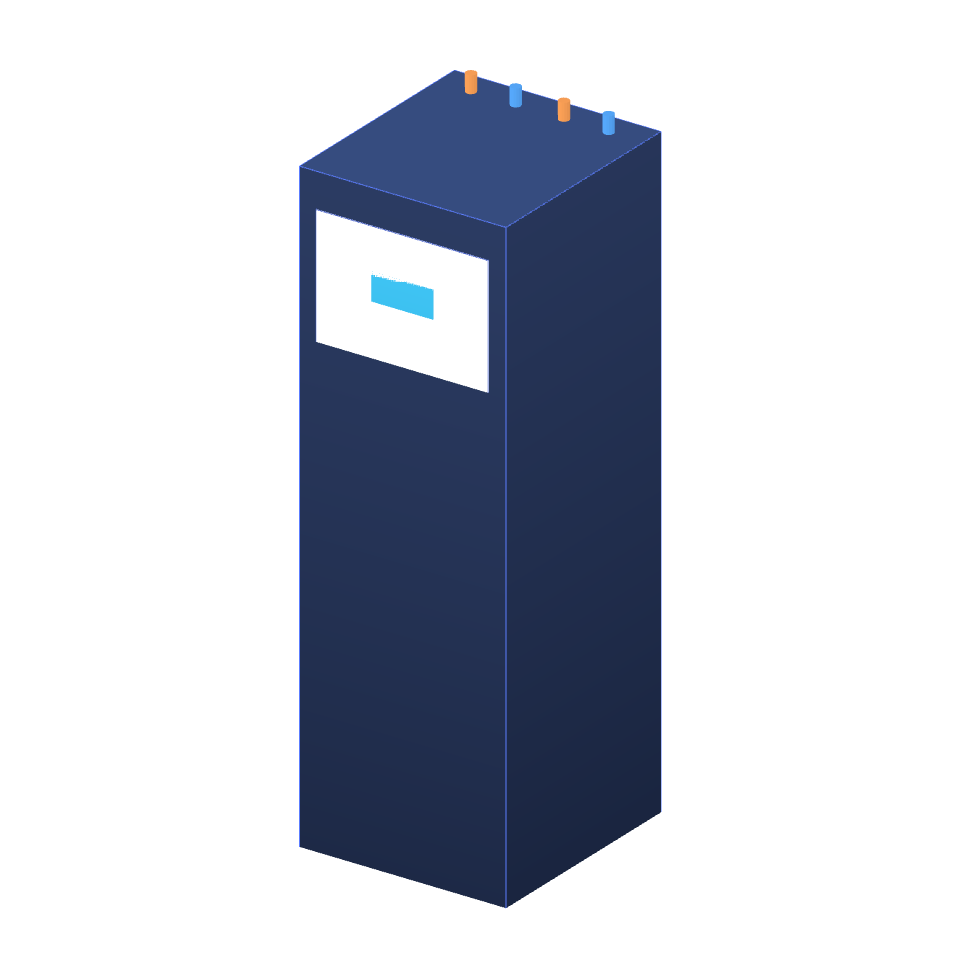
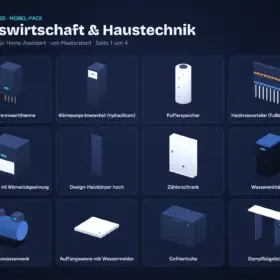
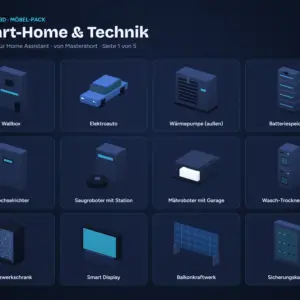
46 items for your utility and plant room in NeonPlan 3D: gas condensing boiler, heat pump indoor unit, buffer tank, ventilation unit, heating manifold, meter cabinet, water softener, water pump, chest freezer, ironing station, drying rack, pantry shelf and more. Devices can be linked to climate entities, switches and power sensors.
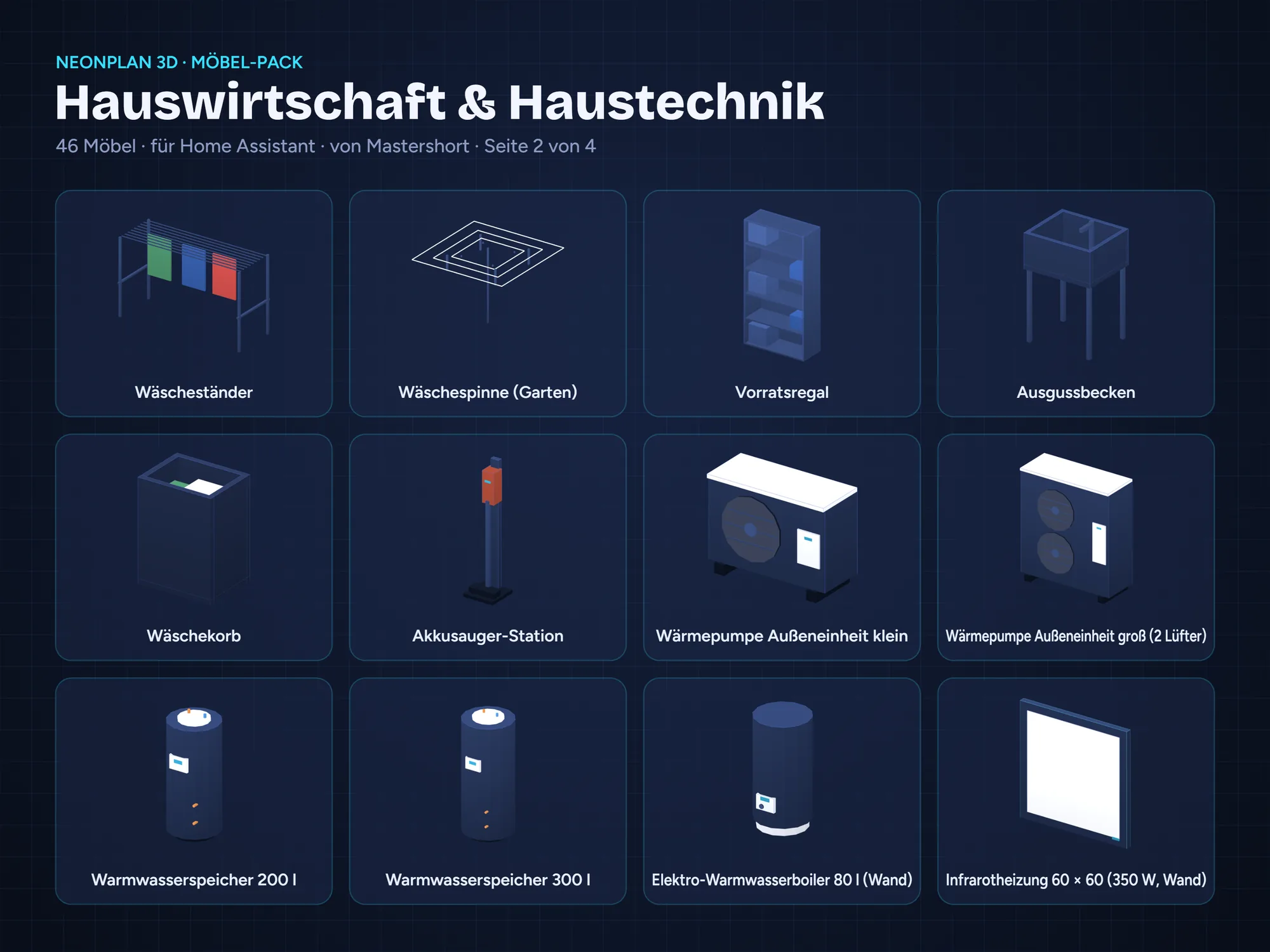
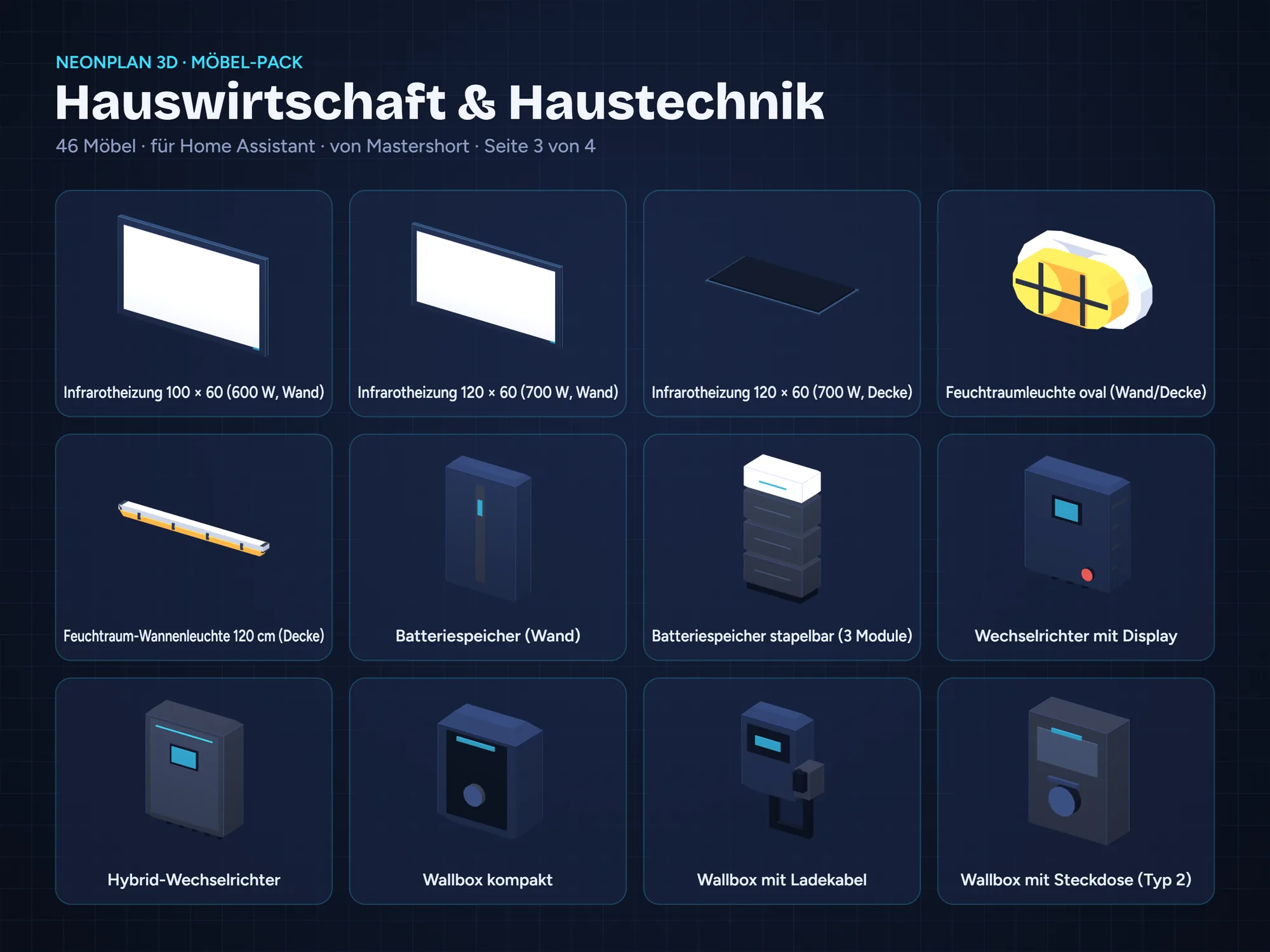
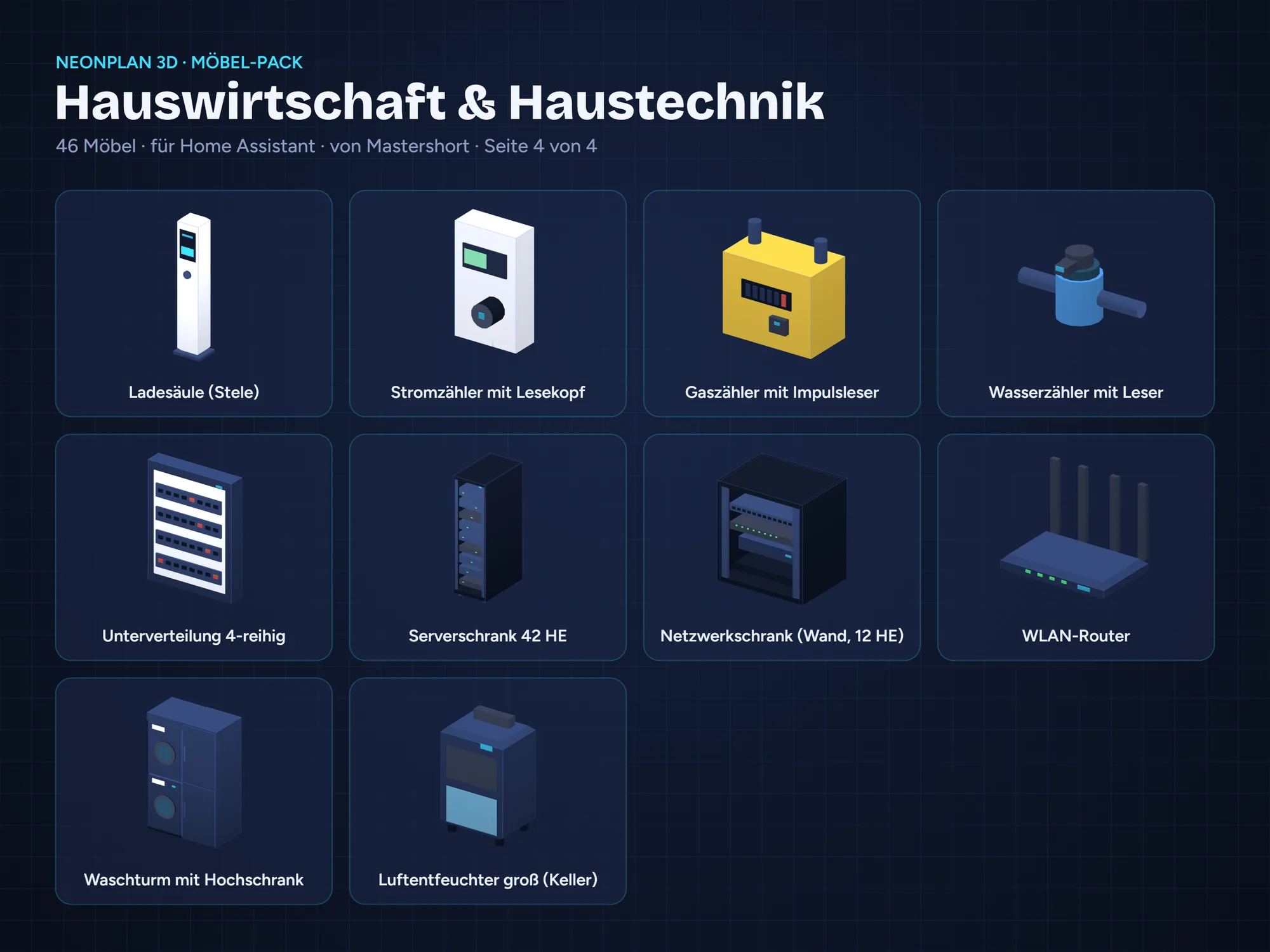
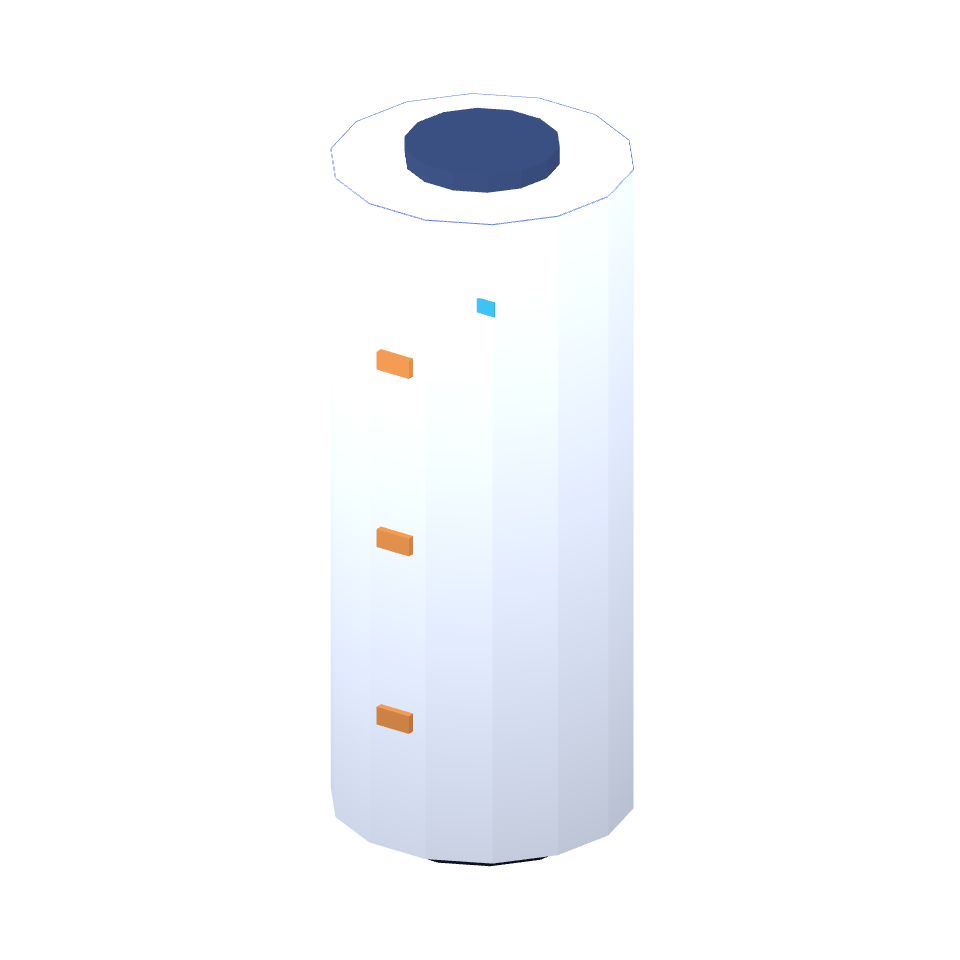
New in release 2 (+28 items): outdoor heat pumps, hot water cylinders and an electric water heater, infrared heaters for wall and ceiling, damp-room lights, home batteries, inverters with display, wallboxes and a charging column, meters with optical reader for electricity, gas and water, server and wall racks, router, sub-distribution board, washer-dryer tower and dehumidifier – everything can be linked.
From NeonPlan 3D 1.23.0: the new furniture library sorts everything by type and room, the sizes of one item share a card with chips, and when you resize an item, legs, handles and tops keep their shape. The update is free for everyone who already owns this pack.
Included: 46 items
- Gas condensing boiler
- Heat pump indoor unit (hydro tower)
- Buffer tank
- Underfloor heating manifold
- Ventilation unit with heat recovery
- Tall designer radiator
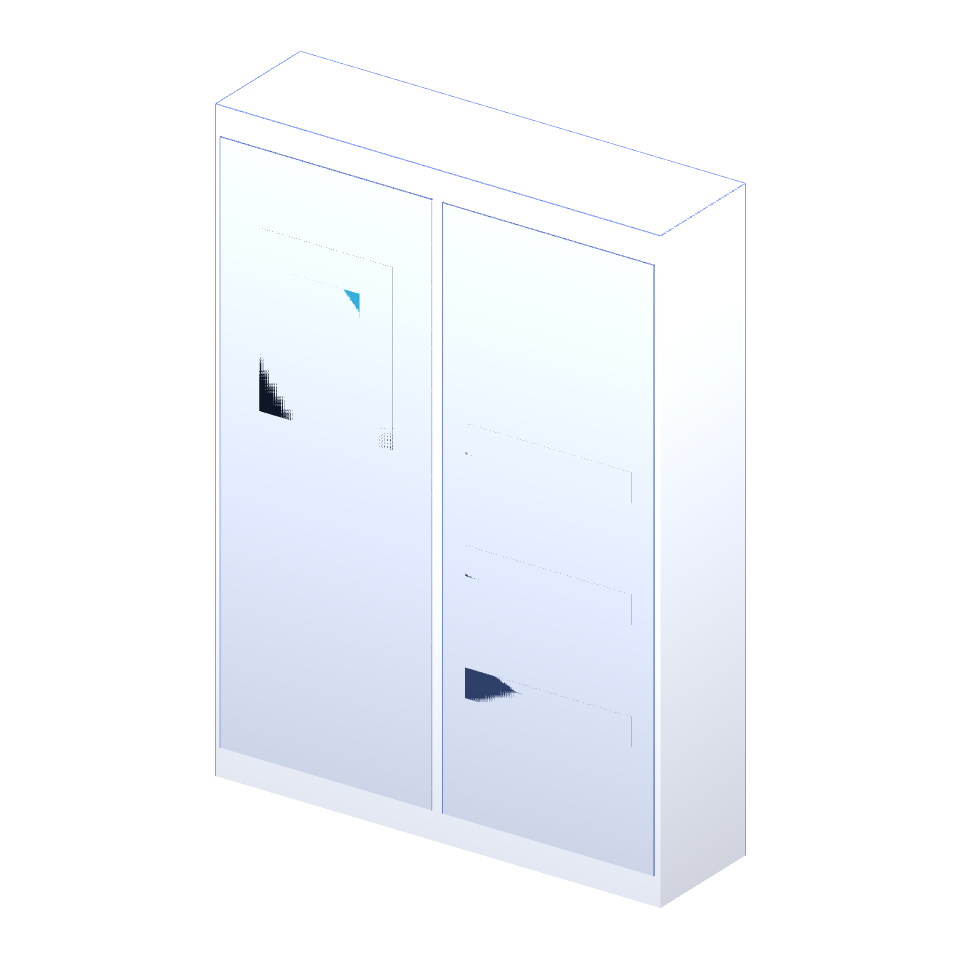
- Meter cabinet
- Water softener
- Domestic water pump
- Drip tray with leak sensor
- Chest freezer
- Steam ironing station
- Clothes drying rack
- Rotary washing line
- Pantry shelf
- Utility sink
- Laundry basket
- Cordless vacuum station
- Heat pump outdoor unit, small
- Heat pump outdoor unit, large (2 fans)
- Hot water tank 200 l
- Hot water tank 300 l
- Electric water heater 80 l (wall)
- Infrared heating panel 60 × 60 (350 W, wall)
- Infrared heating panel 100 × 60 (600 W, wall)
- Infrared heating panel 120 × 60 (700 W, wall)
- Infrared heating panel 120 × 60 (700 W, ceiling)
- Oval bulkhead light (damp room)
- Damp-proof batten light 120 cm (ceiling)
- Home battery (wall)
- Stackable home battery (3 modules)
- Inverter with display
- Hybrid inverter
- Compact wallbox
- Wallbox with charging cable
- Wallbox with socket (type 2)
- Charging pillar
- Electricity meter with reading head
- Gas meter with pulse reader
- Water meter with reader
- Distribution board, 4 rows
- Server rack 42U
- Wall network cabinet (12U)
- Wi-Fi router
- Washer-dryer tower with tall cabinet
- Large dehumidifier (cellar)
What is a furniture pack?
A furniture pack is a single .fp3dpack file with 3D furniture in the NeonPlan 3D neon look. Importing takes less than a minute: NeonPlan 3D → Editor → Furniture → “Import furniture pack …”.
You can scale and rotate every item freely, and items snap to walls. Electrical furniture and lamps can be linked to Home Assistant entities: lights glow, appliances show their wattage.
New in release 3 (from NeonPlan 3.4): Living parts: heat pump fans turn, the gas boiler shows its flame, the buffer tank a heat band, the ventilation unit turns, the softener shows its salt, the home battery its charge, server and network cabinets and the router their status. Free for everyone who already owns this pack.
New in release 4 (from NeonPlan 3.5): Carcass and fronts in their own colours: cabinets, dressers and kitchen units have a “Carcass” colour next to “Fronts” in the homely styles. Free for everyone who already owns this pack.
Requirements
- Release 4: NeonPlan 3D 3.5.0 or later – older versions keep the previous release
- NeonPlan 3D version 1.23.0 or later (free, from the Home Assistant Marketplace or HACS) – older versions keep the previous release of this pack
- Home Assistant 2025.1 or later
- NeonPlan 3D runs in 16 languages: German, English, French, Spanish, Dutch, Italian, Hungarian, Danish, Swedish, Norwegian (Bokmål and Nynorsk), Finnish, Czech, Polish, Romanian and Slovenian
License, shop connection & updates
One-time purchase, no subscription. With your first purchase a customer account is created for you automatically and you get a license key (in the order e-mail and in your customer account). Enter it in NeonPlan 3D (version 1.9.2 or later) under Extensions › Shop connection: your purchased packs appear there, are signed for your installation and receive updates by themselves. One key can be linked to up to three Home Assistant installations at the same time (up to five new links per year). Everything you have installed keeps working without a connection to the shop.
The file is signed with the buyer’s name, which is shown on import. Please do not share or resell it. You can also download the file in your customer account right after purchase.
46 Möbel für NeonPlan 3D: Gas-Brennwerttherme, Wärmepumpe innen, Pufferspeicher, Lüftungsanlage, Heizkreisverteiler, Zählerschrank, Wasserenthärter, Hauswasserwerk, Gefriertruhe, Bügelstation, Wäscheständer, Vorratsregal und mehr – Geräte verknüpfbar mit Klima, Schaltern und Leistungssensoren.
Neu in Release 2 (+28 Möbel): Wärmepumpen außen, Warmwasserspeicher und Elektroboiler, Infrarotheizungen für Wand und Decke, Feuchtraumleuchten, Batteriespeicher, Wechselrichter mit Display, Wallboxen und Ladesäule, Zähler mit Lesekopf für Strom, Gas und Wasser, Server- und Wandschrank, Router, Unterverteilung, Waschturm und Luftentfeuchter – alles verknüpfbar.
Ab NeonPlan 3D 1.23.0: Die neue Möbel-Bibliothek sortiert alles nach Art und Raum, Größen eines Möbels stehen auf einer Karte mit Chips, und beim Ändern der Maße behalten Beine, Griffe und Platten ihre Form. Das Update ist für alle, die das Pack schon haben, kostenlos.
Enthalten: 46 Möbel
- Gas-Brennwerttherme
- Wärmepumpe Inneneinheit (Hydraulikturm)
- Pufferspeicher
- Heizkreisverteiler (Fußbodenheizung)
- Lüftungsanlage mit Wärmerückgewinnung
- Design-Heizkörper hoch
- Zählerschrank
- Wasserenthärter
- Hauswasserwerk
- Auffangwanne mit Wassermelder
- Gefriertruhe
- Dampfbügelstation
- Wäscheständer
- Wäschespinne (Garten)
- Vorratsregal
- Ausgussbecken
- Wäschekorb
- Akkusauger-Station
- Wärmepumpe Außeneinheit klein
- Wärmepumpe Außeneinheit groß (2 Lüfter)
- Warmwasserspeicher 200 l
- Warmwasserspeicher 300 l
- Elektro-Warmwasserboiler 80 l (Wand)
- Infrarotheizung 60 × 60 (350 W, Wand)
- Infrarotheizung 100 × 60 (600 W, Wand)
- Infrarotheizung 120 × 60 (700 W, Wand)
- Infrarotheizung 120 × 60 (700 W, Decke)
- Feuchtraumleuchte oval (Wand/Decke)
- Feuchtraum-Wannenleuchte 120 cm (Decke)
- Batteriespeicher (Wand)
- Batteriespeicher stapelbar (3 Module)
- Wechselrichter mit Display
- Hybrid-Wechselrichter
- Wallbox kompakt
- Wallbox mit Ladekabel
- Wallbox mit Steckdose (Typ 2)
- Ladesäule (Stele)
- Stromzähler mit Lesekopf
- Gaszähler mit Impulsleser
- Wasserzähler mit Leser
- Unterverteilung 4-reihig
- Serverschrank 42 HE
- Netzwerkschrank (Wand, 12 HE)
- WLAN-Router
- Waschturm mit Hochschrank
- Luftentfeuchter groß (Keller)
Was ist ein Möbel-Pack?
Ein Möbel-Pack ist eine einzelne Datei .fp3dpack mit 3D-Möbeln im Neon-Look von NeonPlan 3D. Der Import dauert unter einer Minute: NeonPlan 3D → Editor → Möbel → „Möbel-Pack importieren …“.
Alle Möbel lassen sich frei skalieren und drehen und rasten an Wänden ein. Elektrische Möbel und Leuchten kannst du mit Entitäten aus Home Assistant verknüpfen: Lichter leuchten, Geräte zeigen ihre Leistung in Watt.
Neu in Release 3 (ab NeonPlan 3.4): Lebende Teile: Wärmepumpen-Lüfter drehen, die Gastherme zeigt ihre Flamme, der Pufferspeicher ein Wärmeband, die Lüftungsanlage dreht, der Enthärter zeigt sein Salz, der Batteriespeicher den Ladestand, Server- und Netzwerkschrank und Router ihren Status. Für alle, die das Pack schon haben, kostenlos.
Neu in Release 4 (ab NeonPlan 3.5): Korpus und Fronten in eigenen Farben: Schränke, Kommoden und Küchenschränke haben in den wohnlichen Stilen neben „Fronten“ jetzt auch „Korpus“. Für alle, die das Pack schon haben, kostenlos.
Voraussetzungen
- Release 4: NeonPlan 3D ab 3.5.0 – ältere Versionen behalten das vorherige Release
- NeonPlan 3D ab Version 1.23.0 (kostenlos, aus dem Marketplace in Home Assistant bzw. über HACS) – ältere Versionen behalten das vorherige Release dieses Packs
- Home Assistant ab 2025.1
- NeonPlan 3D läuft in 16 Sprachen: Deutsch, Englisch, Französisch, Spanisch, Niederländisch, Italienisch, Ungarisch, Dänisch, Schwedisch, Norwegisch (Bokmål und Nynorsk), Finnisch, Tschechisch, Polnisch, Rumänisch und Slowenisch
Lizenz, Shop-Verbindung & Updates
Einmalkauf, kein Abo. Mit dem ersten Kauf wird automatisch ein Kundenkonto für dich angelegt, und du bekommst einen Lizenzschlüssel (steht in der Bestell-Mail und im Kundenkonto). Trag ihn in NeonPlan 3D (ab Version 1.9.2) unter Erweiterungen › Shop-Verbindung ein: Deine gekauften Packs erscheinen dort, werden für deine Installation signiert und bekommen Updates von selbst. Ein Schlüssel lässt sich mit bis zu drei Home-Assistant-Installationen gleichzeitig verbinden (bis zu fünf neue Verbindungen im Jahr). Alles Installierte funktioniert auch ohne Verbindung zum Shop.
Die Datei trägt den Namen des Käufers, der beim Import angezeigt wird. Bitte gib sie nicht weiter und verkaufe sie nicht weiter. Direkt nach dem Kauf kannst du die Datei außerdem im Kundenkonto herunterladen.
Rezensionen
Es gibt noch keine Rezensionen