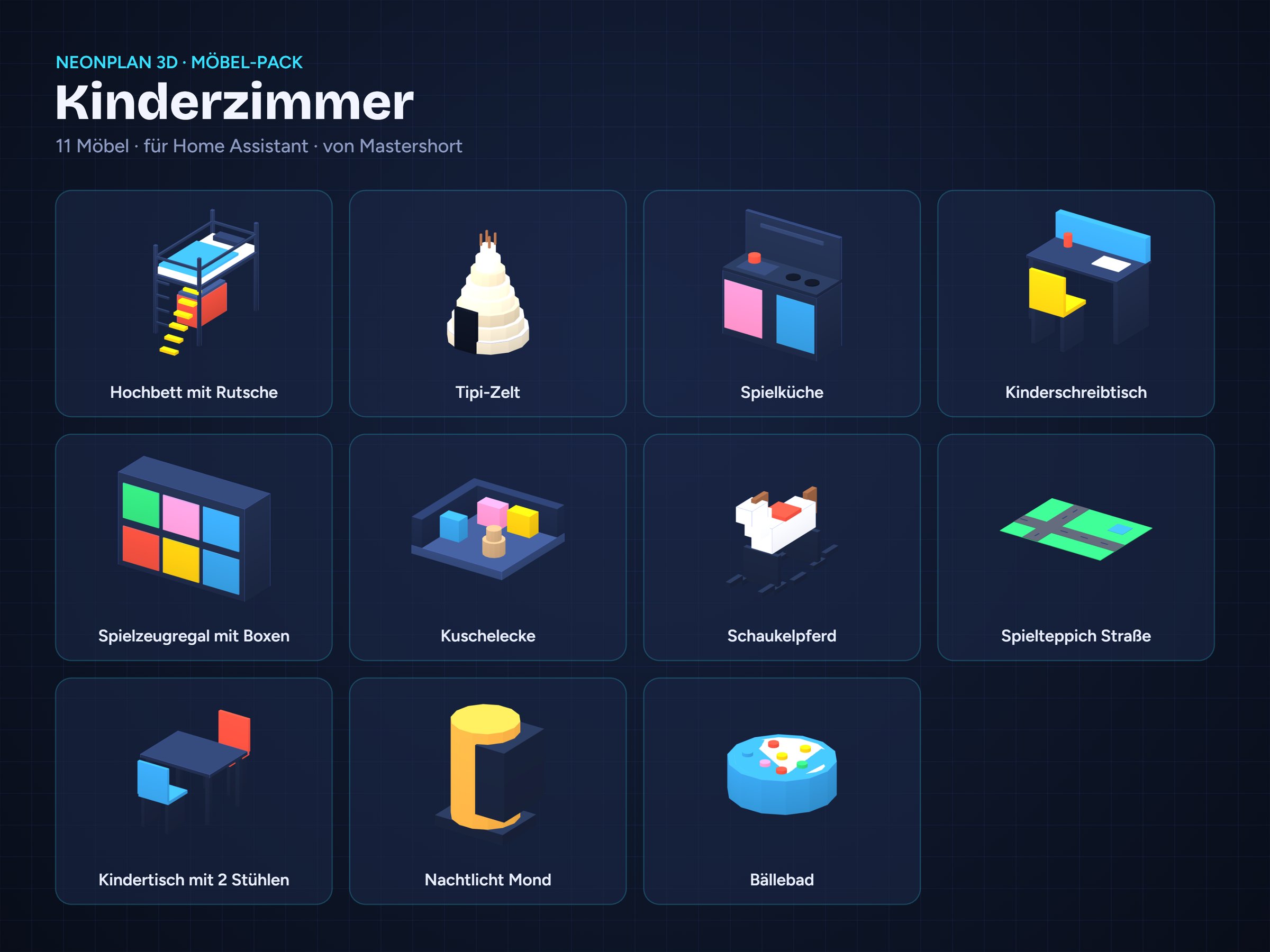
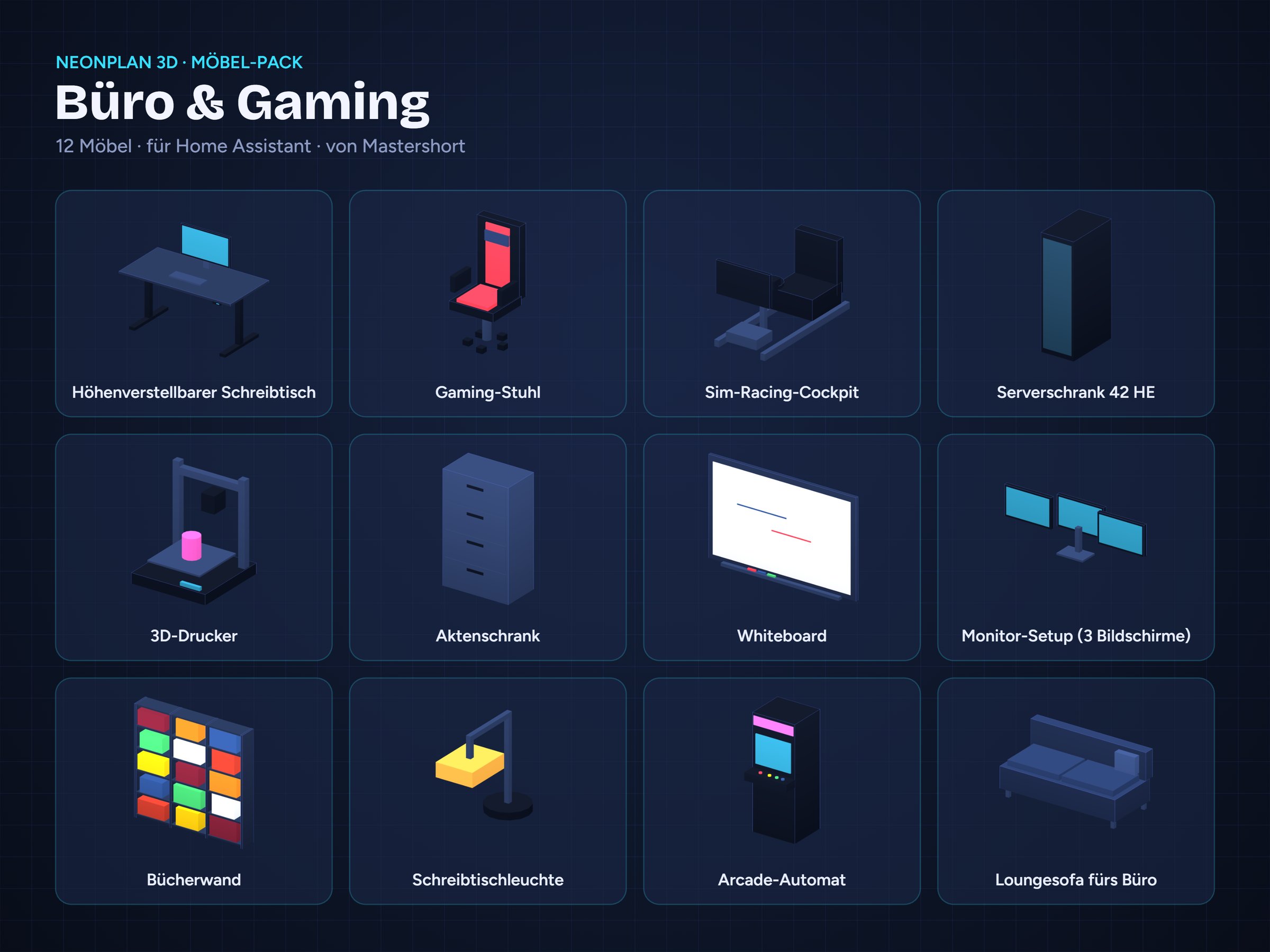
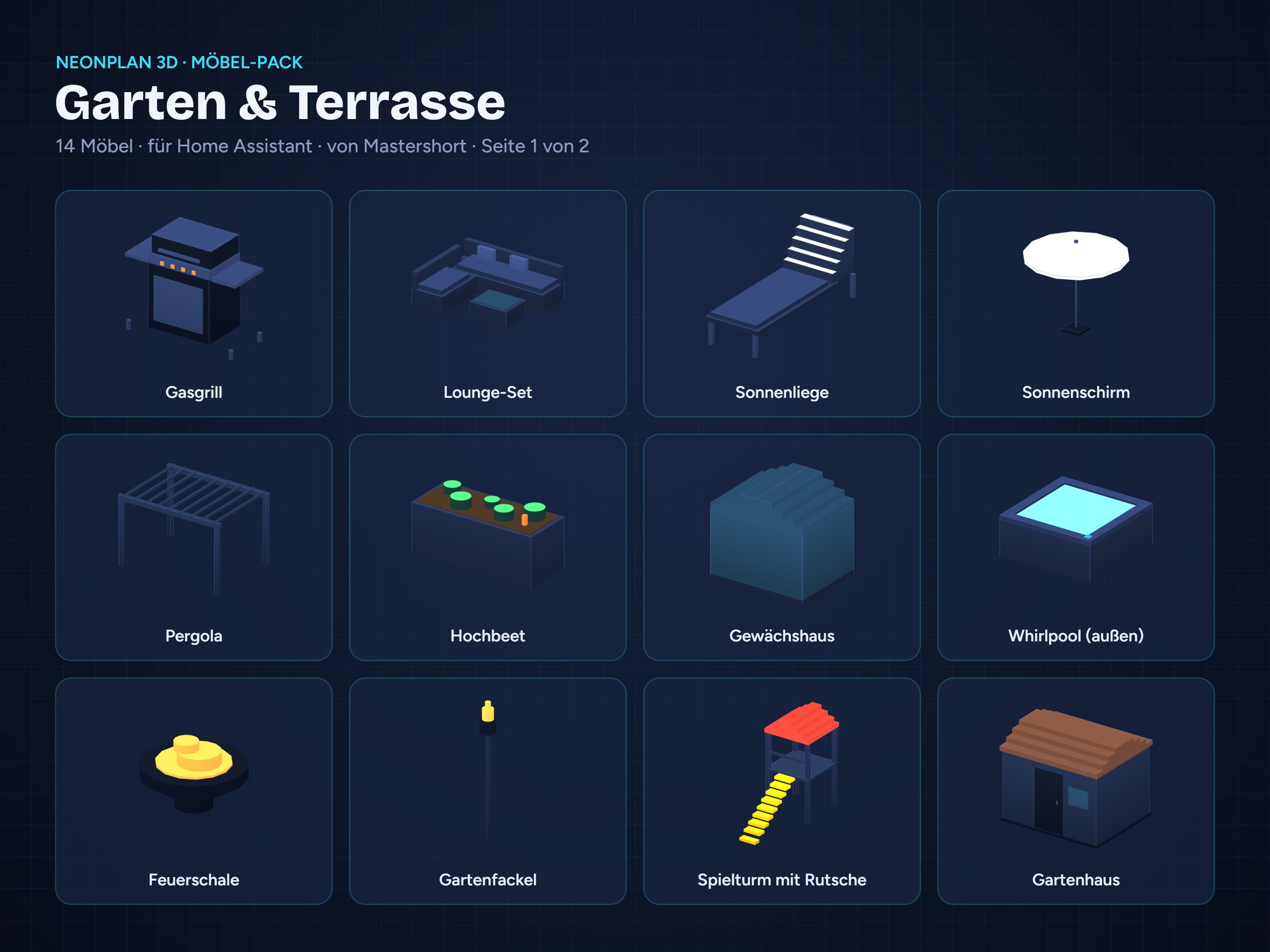
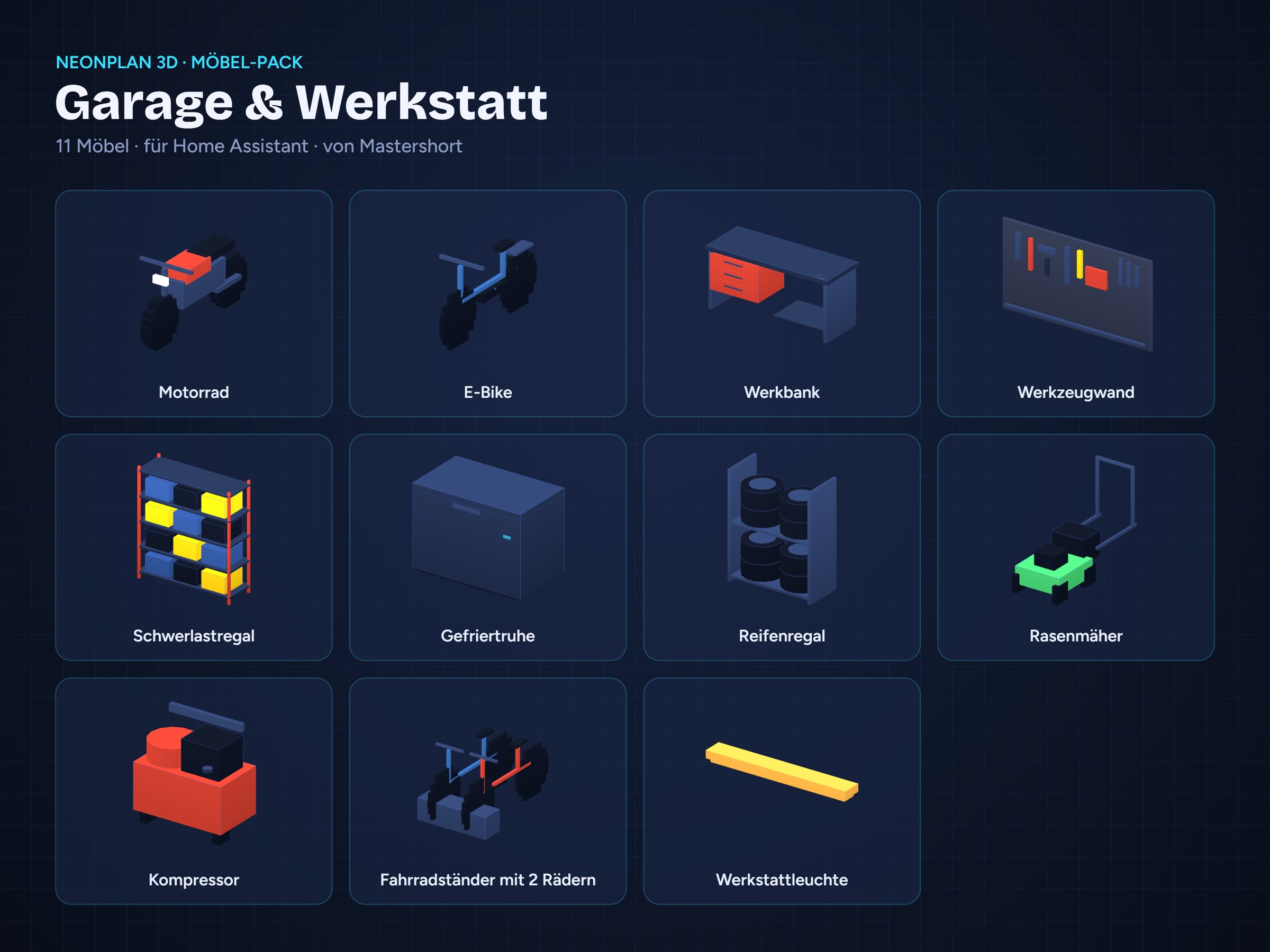
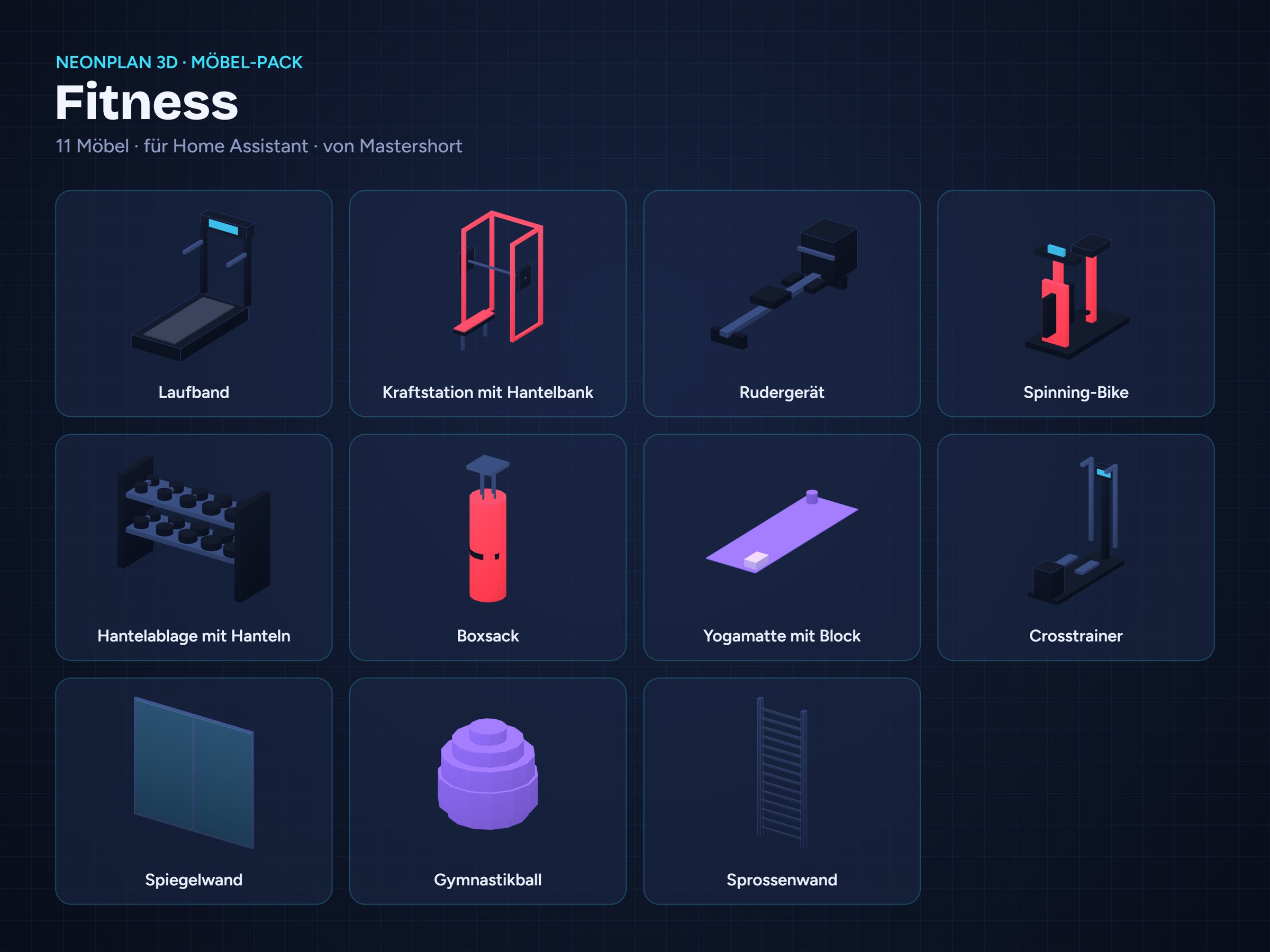
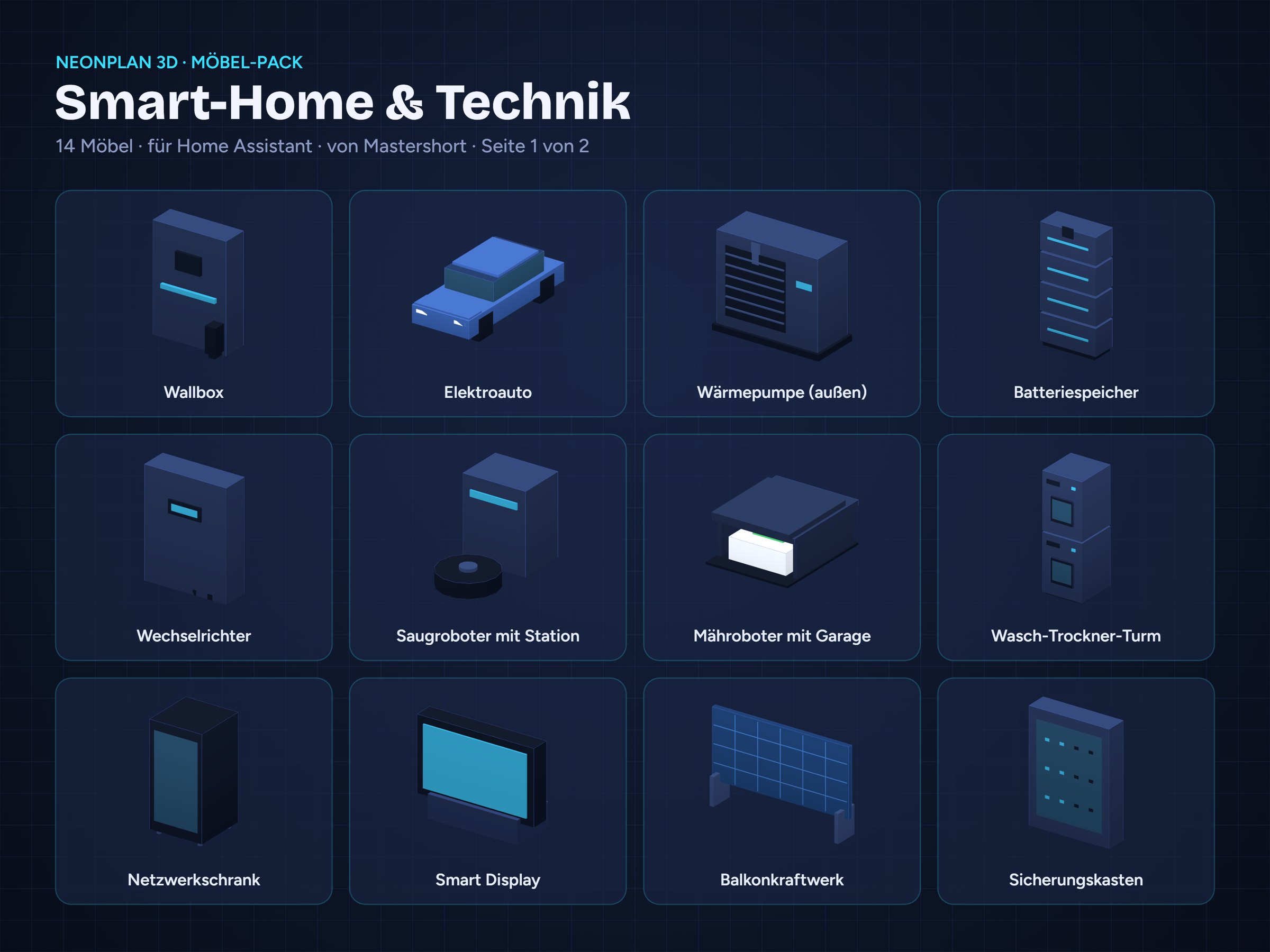
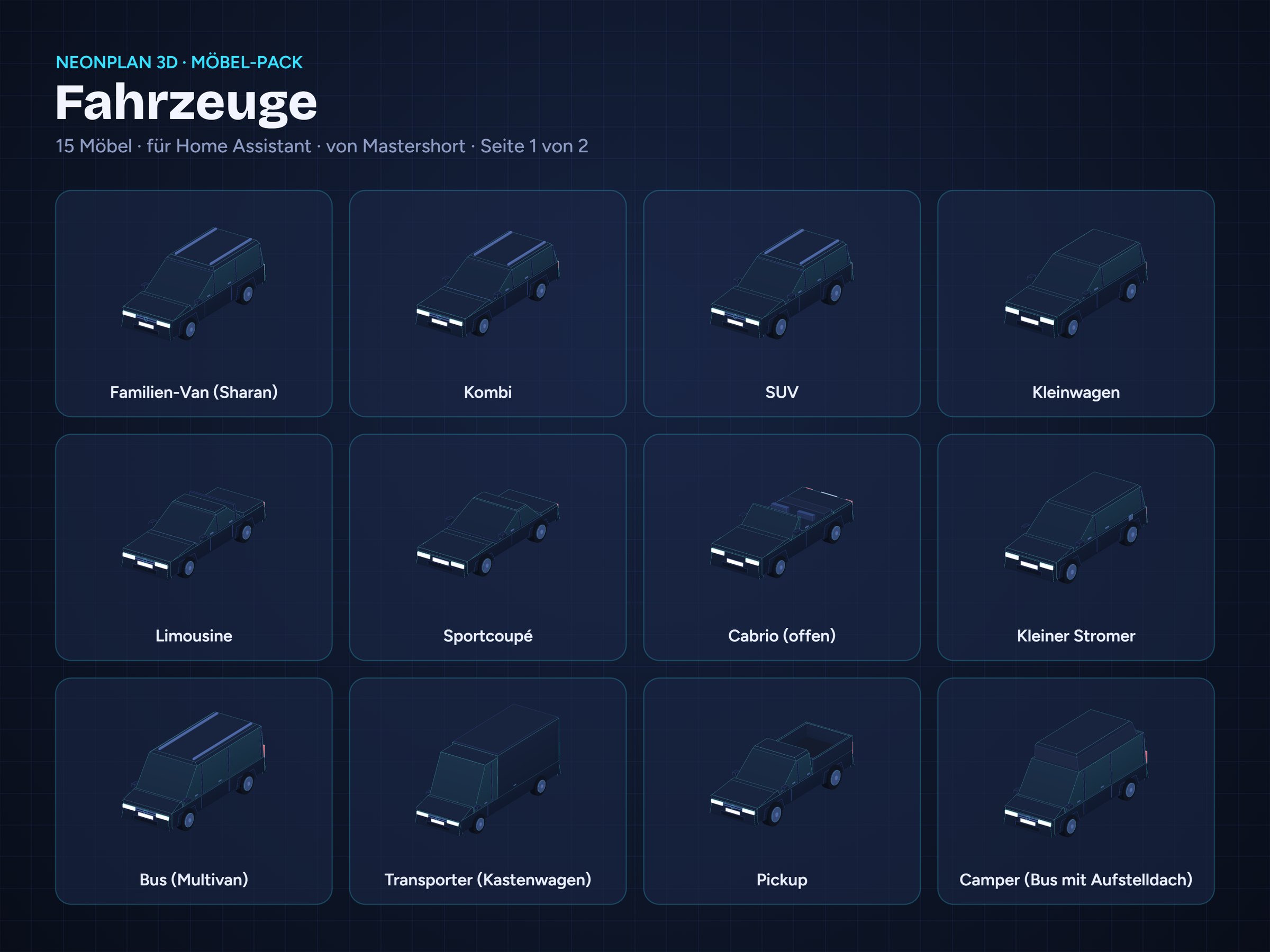
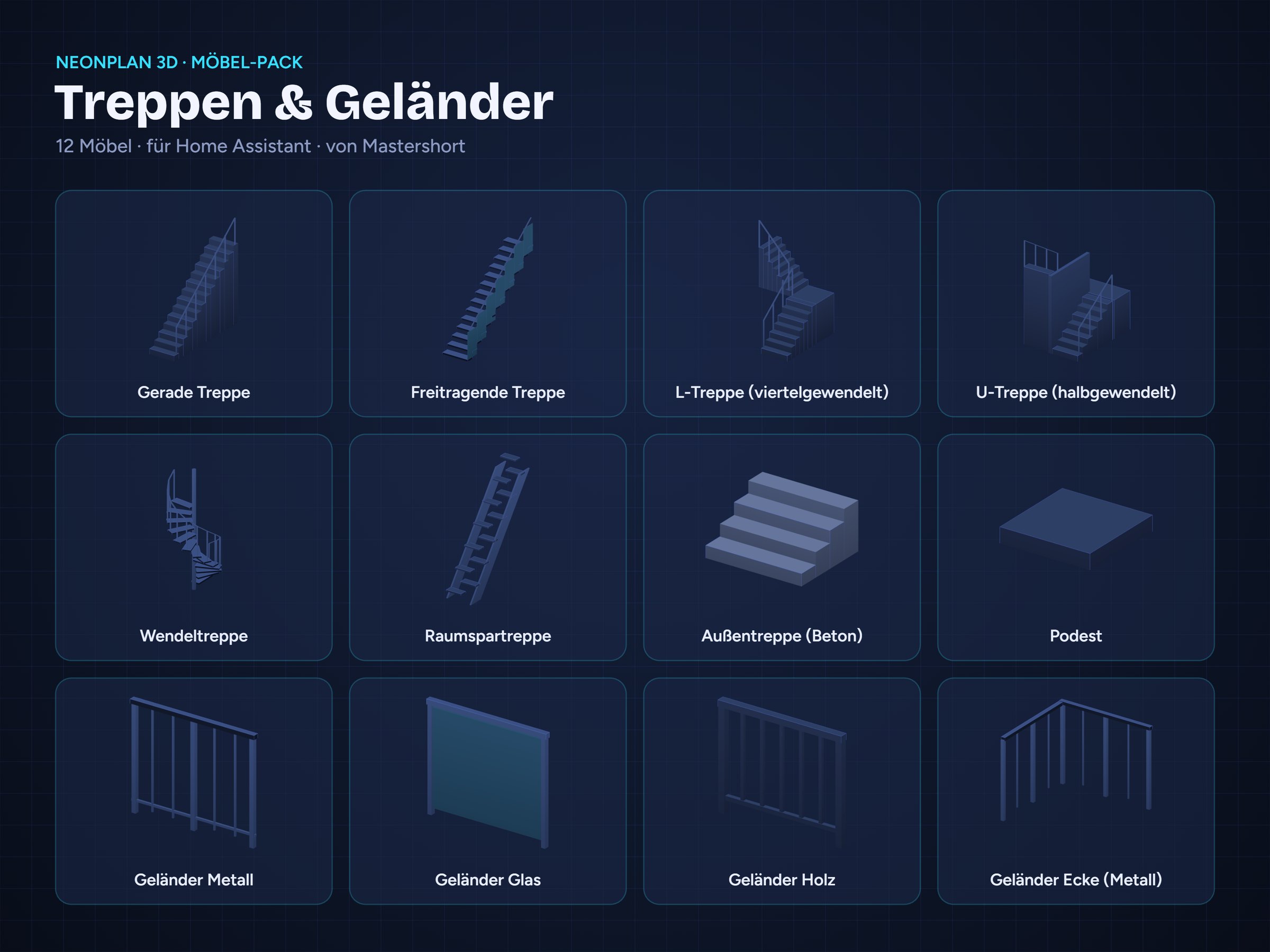
Beschreibung
English
Launch edition of the Complete Bundle (no longer sold). It includes every new pack released in its first year – currently 16 packs with 413 furniture items and vehicles. New packs of that year are added as updates.
Included packs
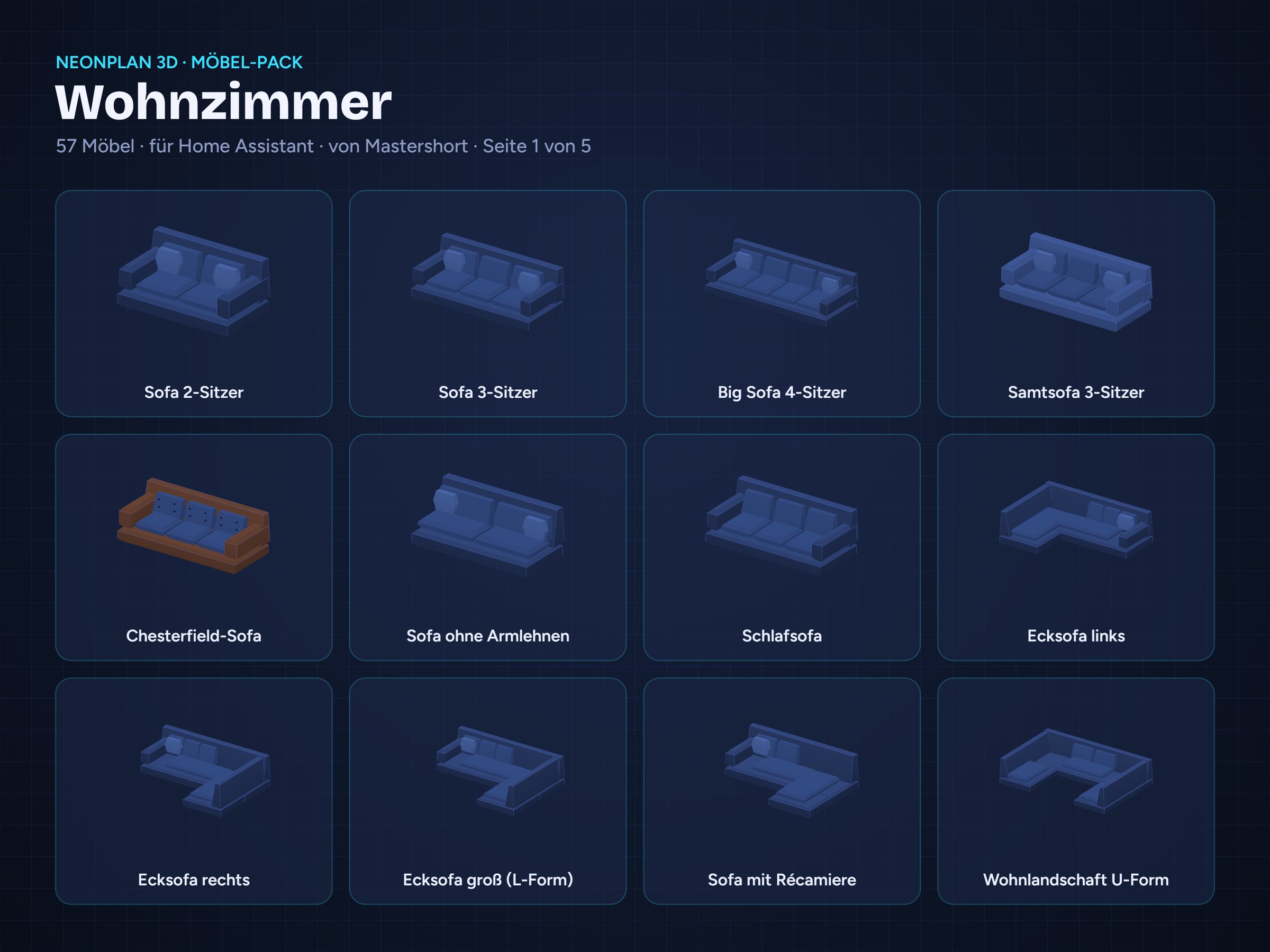
- Living Room – 67
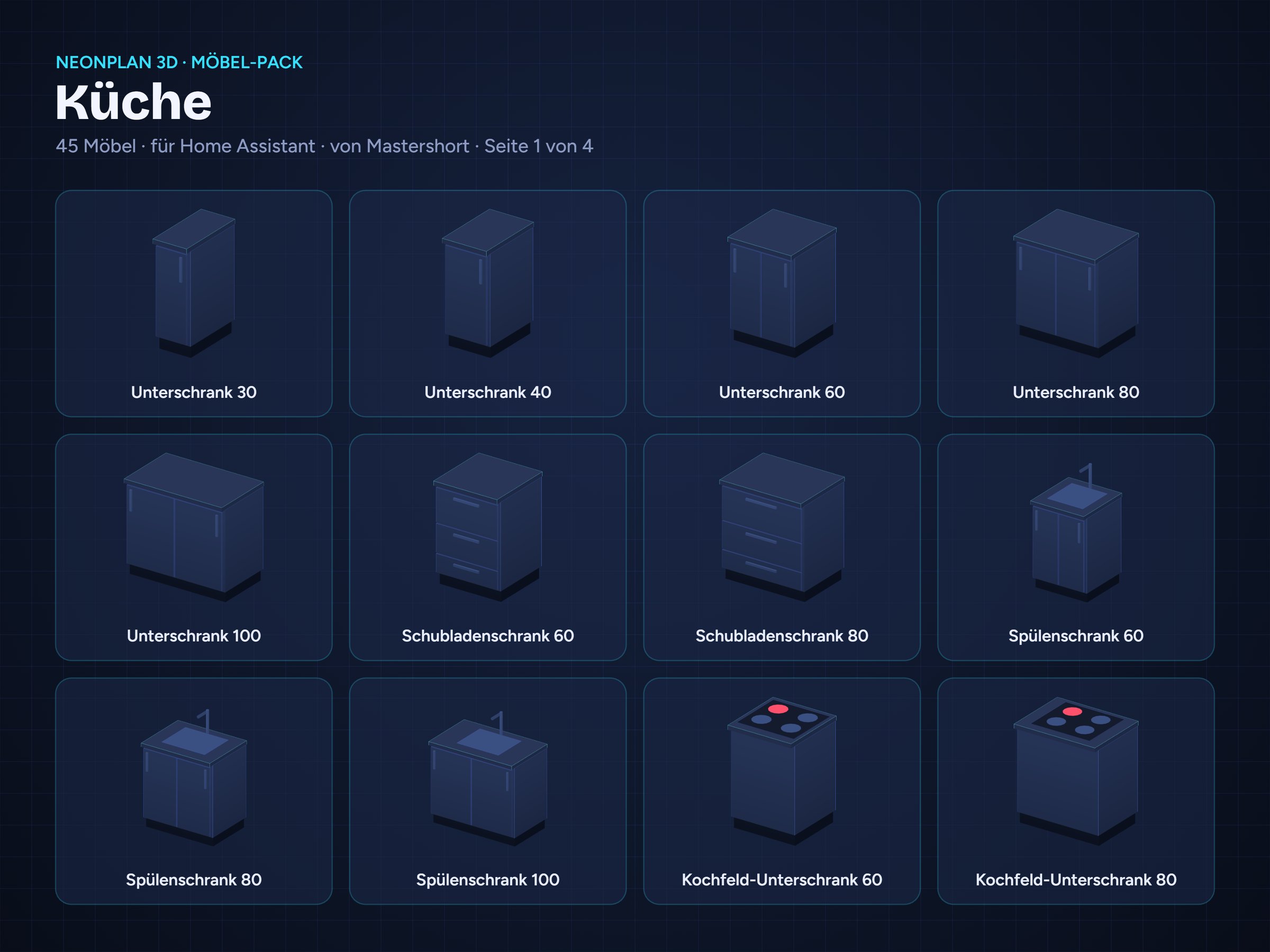
- Kitchen – 55
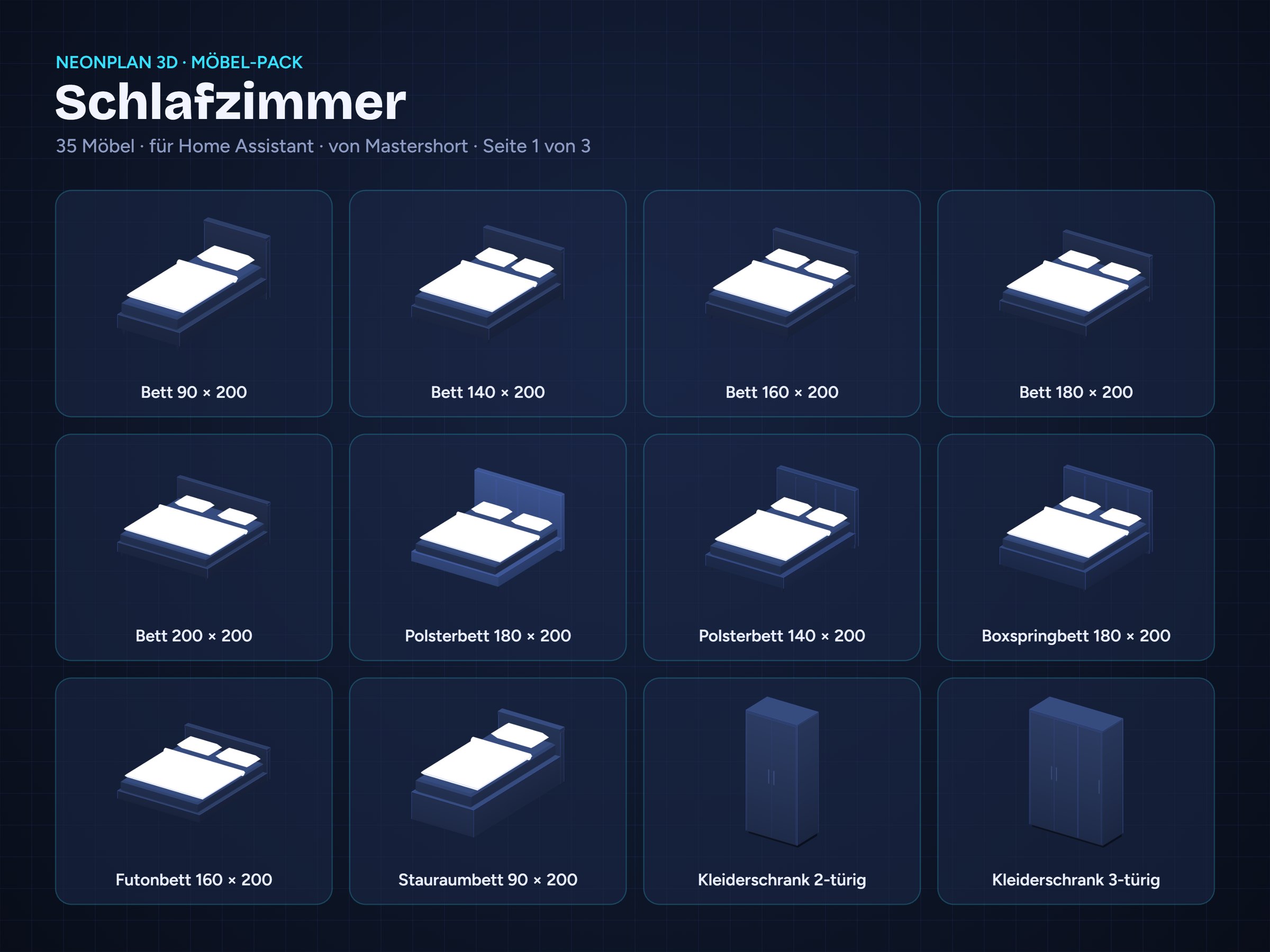
- Bedroom – 41
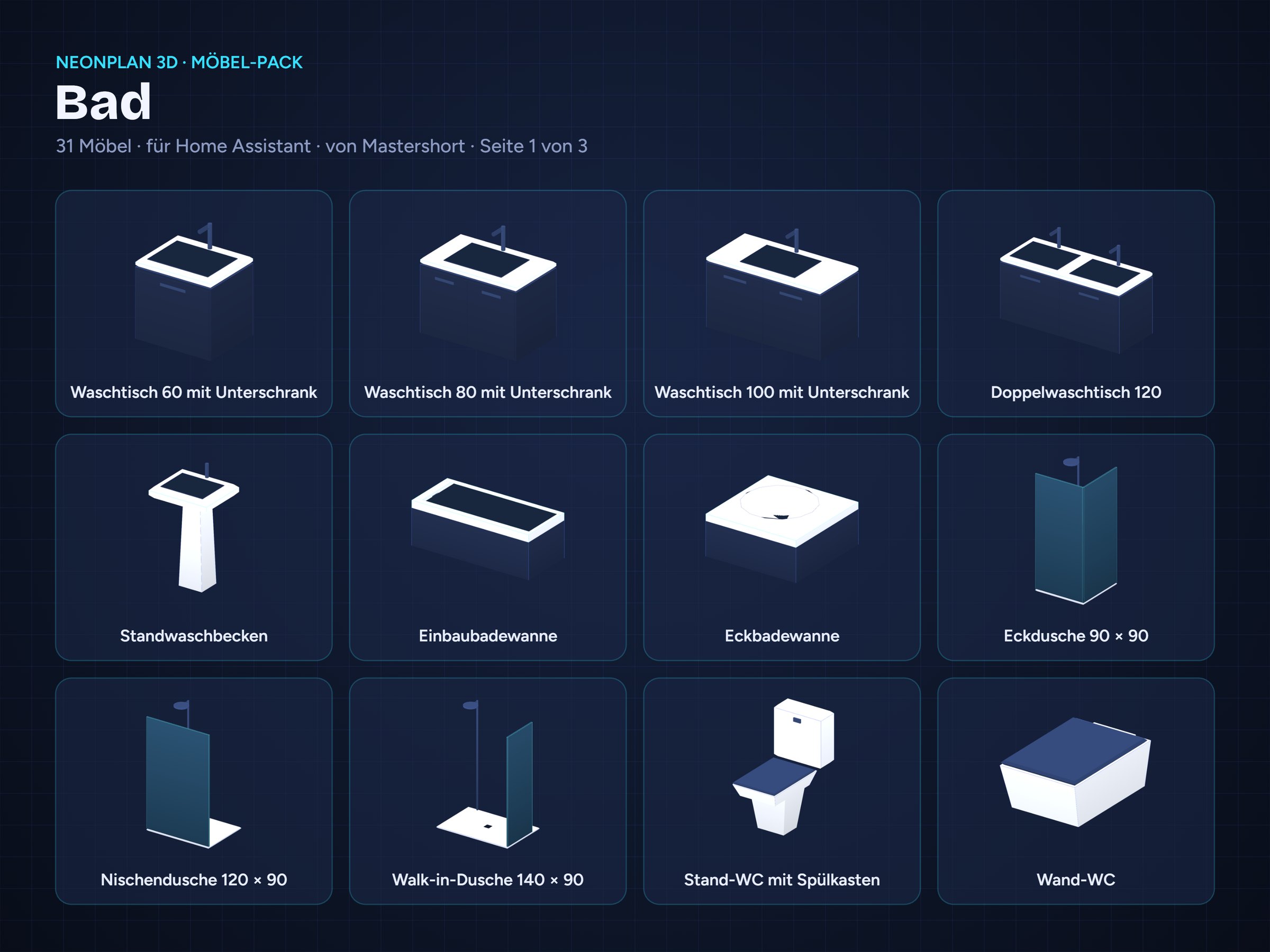
- Bathroom – 37
- Kids’ Room – 18
- Office & Gaming – 18
- Garden & Patio – 21
- Garage & Workshop – 17
- Fitness – 17
- Smart Home & Tech – 14
- Vehicles – 15
- Stairs & Railings – 12
- Home Cinema & Hi-Fi – 22
- Utility & Building Services – 18
- Pets – 24
- Architecture & Fit-out – 17
You receive 16 separate .fp3dpack files. Import only the packs you need.
What is a furniture pack?
A furniture pack is a single .fp3dpack file with 3D furniture in the NeonPlan 3D neon look. Importing takes less than a minute: NeonPlan 3D → Editor → Furniture → “Import furniture pack …”.
You can scale and rotate every item freely, and items snap to walls. Electrical furniture and lamps can be linked to Home Assistant entities: lights glow, appliances show their wattage.
Requirements
- NeonPlan 3D version 0.20 or later (free, installed via HACS); Stairs & Railings needs 0.38, light surfaces of the new packs (e.g. the aquarium in the light colour) need 1.6
- Home Assistant 2025.1 or later
License, shop connection & updates
One-time purchase, no subscription. With your first purchase a customer account is created for you automatically and you get a license key (in the order e-mail and in your customer account). Enter it in NeonPlan 3D (version 0.38 or later) under Extensions › Shop connection: your purchased packs appear there, are signed for your installation and receive updates by themselves. One key can be linked to up to three Home Assistant installations at the same time (up to five new links per year). Everything you have installed keeps working without a connection to the shop.
The file is signed with the buyer’s name, which is shown on import. Please do not share or resell it. You can also download the file in your customer account right after purchase.
Deutsch
Startausgabe des Komplett-Bundles (nicht mehr erhältlich). Sie enthält alle neuen Packs ihres ersten Jahres – aktuell 16 Packs mit 413 Möbeln und Fahrzeugen. Neue Packs aus diesem Jahr kommen als Update dazu.
Enthaltene Packs
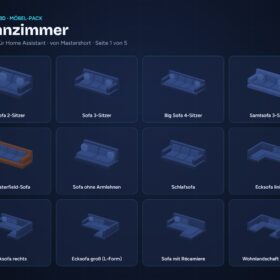
- Wohnzimmer – 67
- Küche – 55
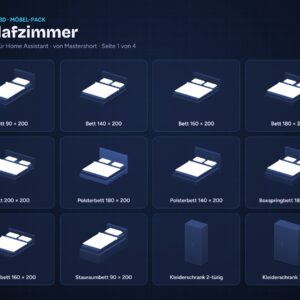
- Schlafzimmer – 41
- Bad – 37
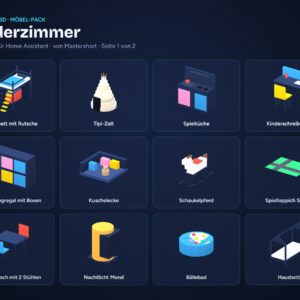
- Kinderzimmer – 18
- Büro & Gaming – 18
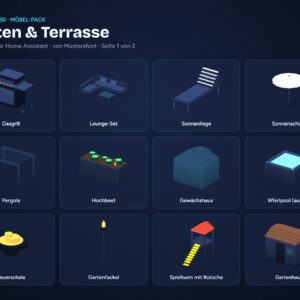
- Garten & Terrasse – 21
- Garage & Werkstatt – 17
- Fitness – 17
- Smart Home & Technik – 14
- Fahrzeuge – 15
- Treppen & Geländer – 12
- Heimkino & Hi-Fi – 22
- Hauswirtschaft & Haustechnik – 18
- Haustiere – 24
- Architektur & Ausbau – 17
Du bekommst 16 einzelne .fp3dpack-Dateien. Importiere nur die Packs, die du brauchst.
Was ist ein Möbel-Pack?
Ein Möbel-Pack ist eine einzelne Datei .fp3dpack mit 3D-Möbeln im Neon-Look von NeonPlan 3D. Der Import dauert unter einer Minute: NeonPlan 3D → Editor → Möbel → „Möbel-Pack importieren …“.
Alle Möbel lassen sich frei skalieren und drehen und rasten an Wänden ein. Elektrische Möbel und Leuchten kannst du mit Entitäten aus Home Assistant verknüpfen: Lichter leuchten, Geräte zeigen ihre Leistung in Watt.
Voraussetzungen
- NeonPlan 3D ab Version 0.20 (kostenlos, Installation über HACS); Treppen & Geländer braucht 0.38, Leuchtflächen der neuen Packs (z. B. das Aquarium in der Lichtfarbe) brauchen 1.6
- Home Assistant ab 2025.1
Lizenz, Shop-Verbindung & Updates
Einmalkauf, kein Abo. Mit dem ersten Kauf wird automatisch ein Kundenkonto für dich angelegt, und du bekommst einen Lizenzschlüssel (steht in der Bestell-Mail und im Kundenkonto). Trag ihn in NeonPlan 3D (ab Version 0.38) unter Erweiterungen › Shop-Verbindung ein: Deine gekauften Packs erscheinen dort, werden für deine Installation signiert und bekommen Updates von selbst. Ein Schlüssel lässt sich mit bis zu drei Home-Assistant-Installationen gleichzeitig verbinden (bis zu fünf neue Verbindungen im Jahr). Alles Installierte funktioniert auch ohne Verbindung zum Shop.
Die Datei trägt den Namen des Käufers, der beim Import angezeigt wird. Bitte gib sie nicht weiter und verkaufe sie nicht weiter. Direkt nach dem Kauf kannst du die Datei außerdem im Kundenkonto herunterladen.

Rezensionen
Es gibt noch keine Rezensionen